
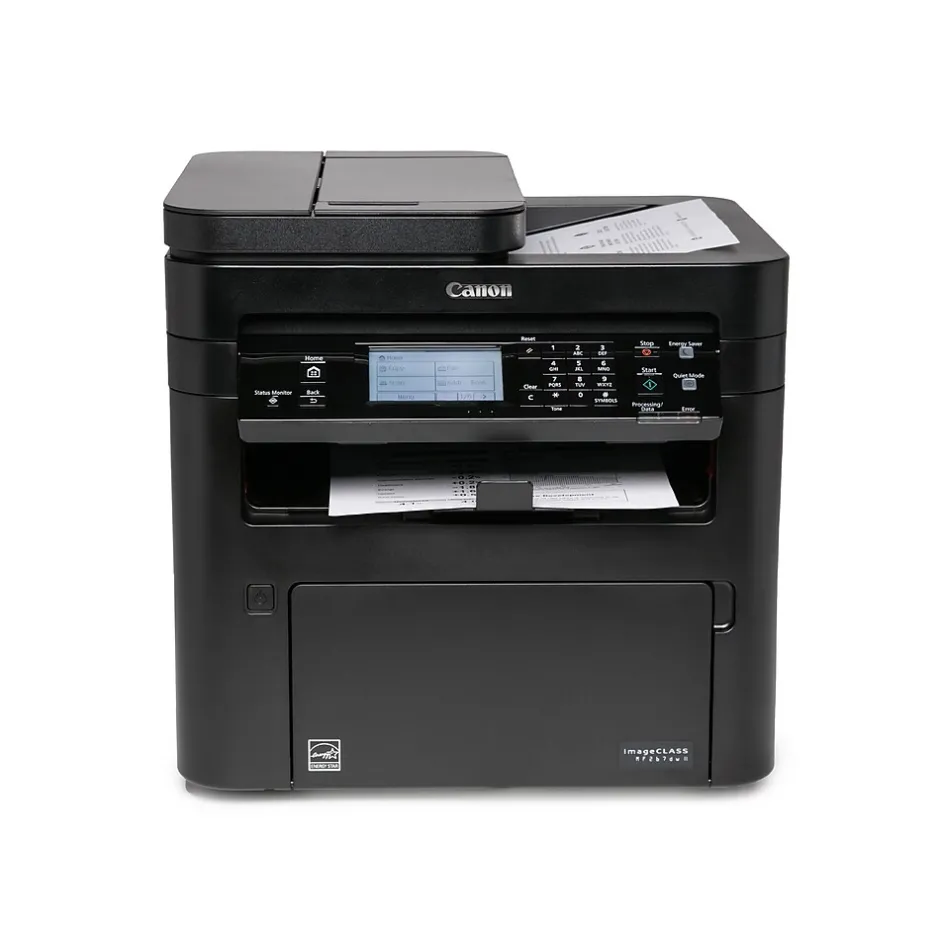
Black & White Printers<Canon imageCLASS MF267dw II Wireless Black & White Laser Printer, All-In-One, Print, Scan, Copy, Fax (5938C010)
Original price was: $219.00.$126.89Current price is: $126.89.
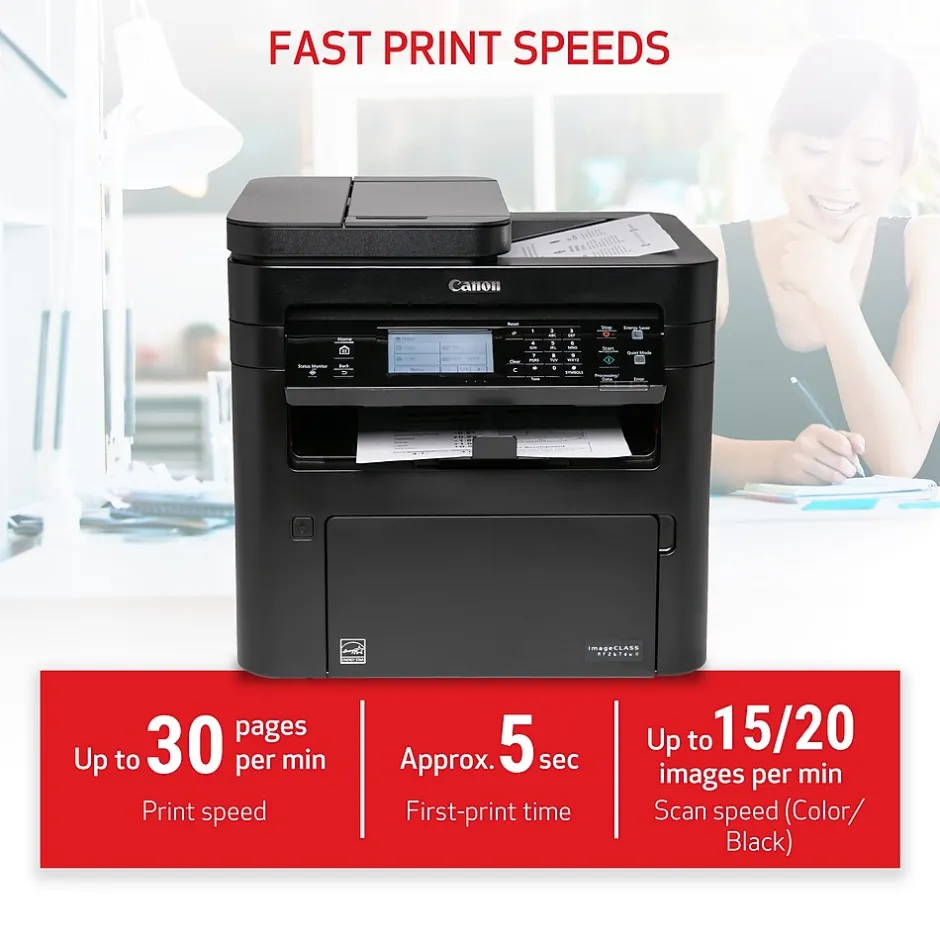
The Canon imageCLASS MF267dw II model is designed for small office environments where black-and-white multifunction capability is needed, and productivity, ease of use, and large toner capacity are priorities. The MF267dw II offers print, scan, copy, and fax capabilities and can print up to 30 pages per minute. High-capacity toner option keeps up with your printing needs and limits toner replacement interruptions. Connect this printer to a wireless network in a few simple steps. Print on the go with Apple AirPrint, Canon PRINT Business app, Mopria, Canon Print Service plug-in, and Google Cloud Print. Compatible with Windows, macOS, and ChromeOS.
- All-in-one wireless laser printer gives you printing, copying, faxing, and scanning capability
- Offers a resolution quality that goes up to 600 x 600 dpi for excellent readability
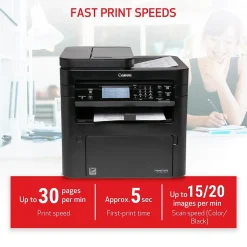
- Print speed: up to 30 ppm; recommended volume: 250-2500 pages per month
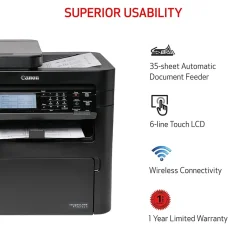
- 1 x USB 2.0 High-Speed, 1 x 10/100BASE-T Ethernet (network) (IEEE 802.3b/g/n), 1 x 802.11 b/g/n connectivity helps enhance productivity
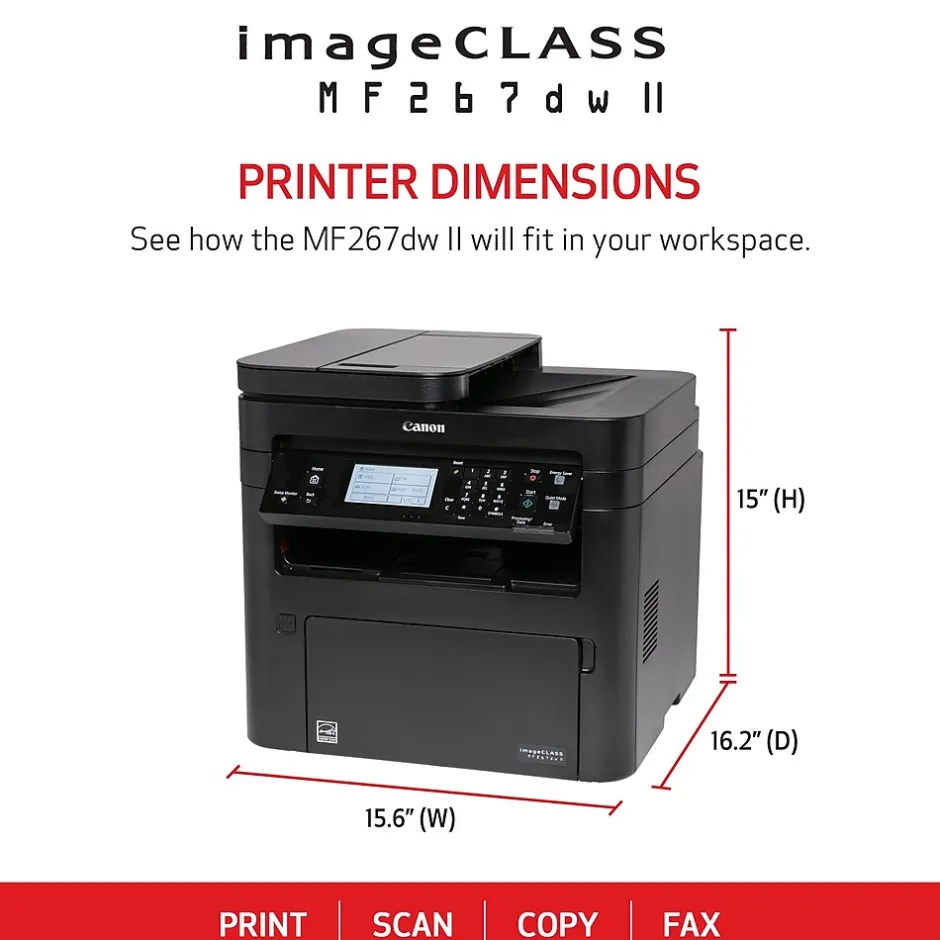
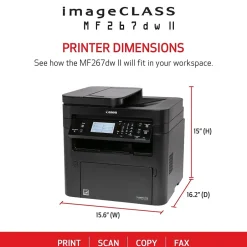
- Dimensions: 15″H x 15.6″W x 16.2″D
- Types of media supported: plain paper, recycled paper, heavy paper, bond paper, labels, envelopes, letterheads
- 256MB (shared) printer memory provides convenient, reliable printing of your most important documents
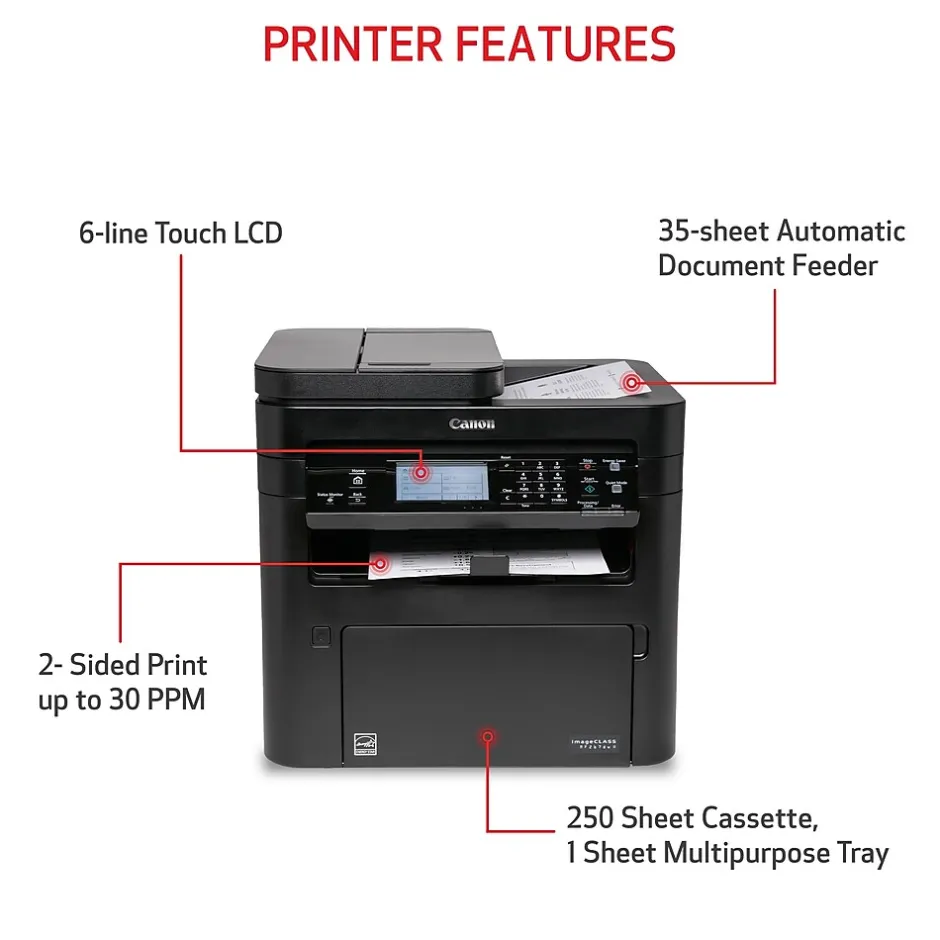
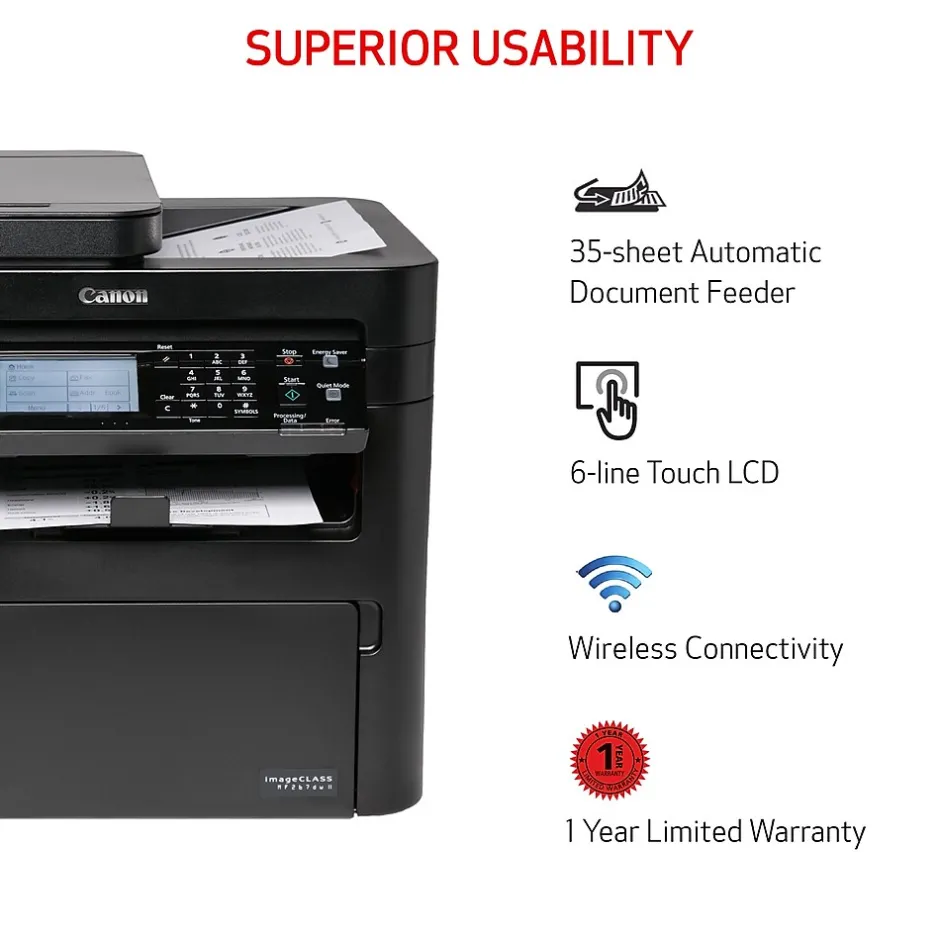
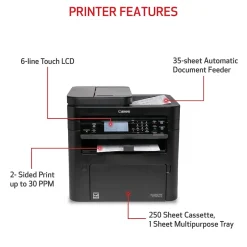
- Automatic two-sided printing and an auto feeder with a 35-sheet capacity help save paper
- Easily manage tasks with the six-line black-and-white touch LCD display
- 600 x 600 dpi optical resolution, 9600 x 9600 dpi interpolated resolution for good-quality printed text and images
- Meets or exceeds the ENERGY STAR and EPEAT Silver standards
- Media sizes: cassette/bypass: letter, legal, statement, executive; envelope: COM10, monarch, C5, DL; custom: 3″ x 5″ to 8.5″ x 14″
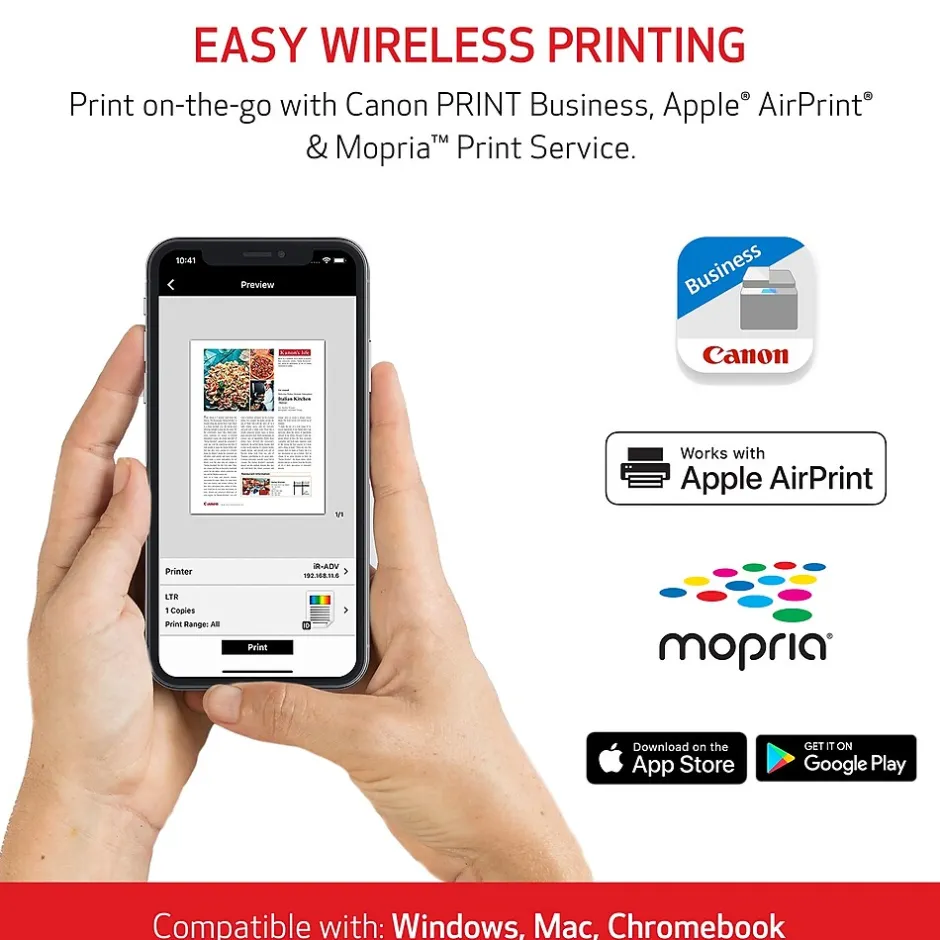
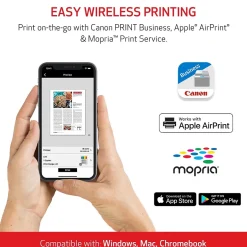
- Print on the go with Apple AirPrint, Canon PRINT Business app, Mopria, Canon Print Service plug-in, and Google Cloud Print
- Compatible with Windows 10/8.1/7; Windows Server 2016/2012/2012 R2/2008/2008 R2; macOS 10.8.5 or later
- Offers a standard 250‐sheet cassette and a single-sheet manual feed slot
- Power consumption: 1080W (max), 340W (during operation), 0.7W (energy saver/sleep mode)
- Network security: IP/MAC address filtering, TLS Encrypted Communication, SNMPv3, IEEE802.1x, IPv6, SMTP Authentication, POP Authentication before SMTP
- Comes in black
- Fax function allows sending and receiving documents and photos as black-and-white images over a telephone line; it’s also possible to send and receive faxes via the Internet without using a phone line
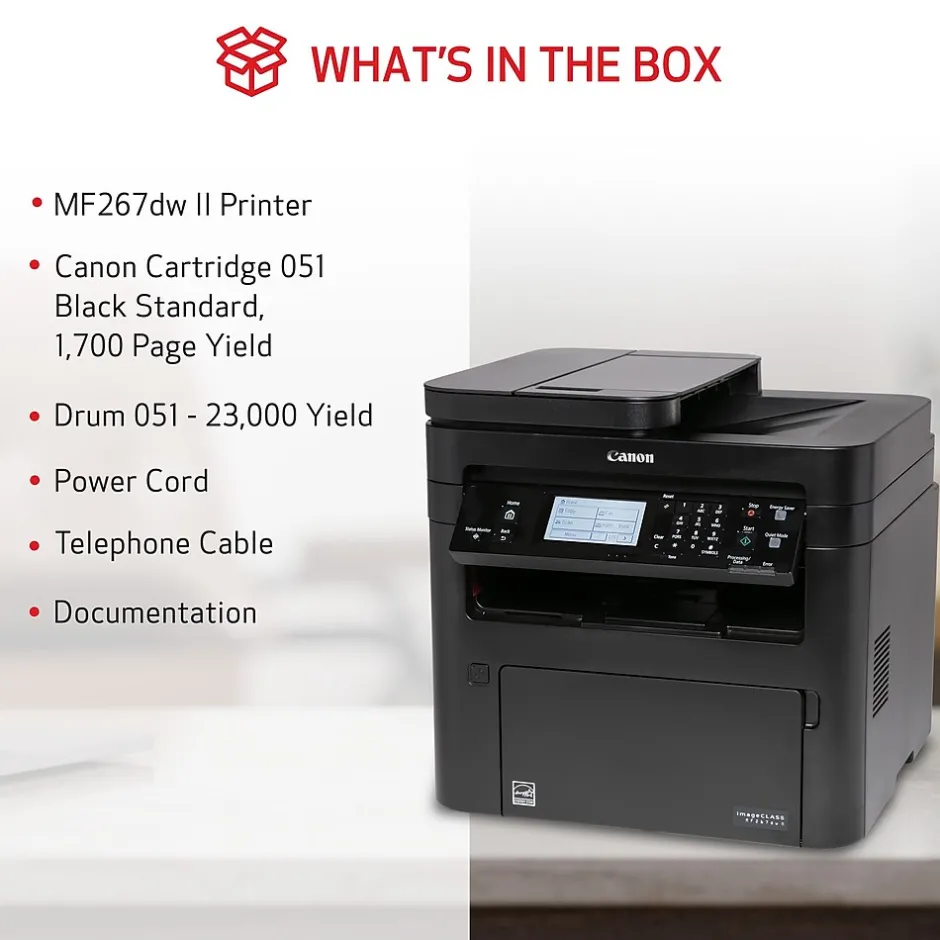
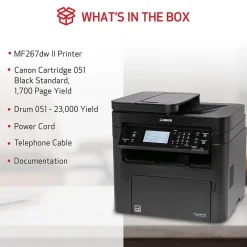
- Package includes: Canon MF267dw II printer, 051 toner cartridge (1700 pages), 051 drum cartridge (23000 pages), power cord, telephone cable, documentation
- 1-year manufacturer limited warranty
| Attribute name | Attribute value |
|---|---|
| *key specs | |
| What’s in the Printer Box Indicates the type of display panel on the product. | LCD |
| Printer Condition | MF267dw II (Added Touchscreen) |
| Supertank Refers to the recommended use case of each printer. Home printers are best for a household, whereas home office printers are best from work from home individuals or personal workspaces. | Home Office |
| Printer Type Refers to the primary function(s) of the printer: Instant Photo (specific to portable photo printers), Print only (also known as single function), Print, Scan, Copy (also known as all-in-one), or any combination of Print, Scan, Copy, and Fax. | Print, Scan, Copy, Fax |
| Printer Function | Yes |
| Series or Collection A wireless ready printer (or Wi-Fi printer) uses a wireless internet connection to receive information from a computer or other device. A wired printer requires a cable for a direct connection to a computer or network. | Wireless |
| Media Types Supported Refers to the methods that can be used to print from the printer. For example, a USB and Wireless printer can be connected to either wirelessly or through a USB cord to print a document. | USB, Wireless, Network Ready |
| Mobile Device Printing | Apple AirPrint, Canon PRINT Business app, Mopria, Canon Print Service, Google Cloud Print |
| Network Ready Copy Resolution, measured in dots per inch (dpi), indicates the amount of detail the printer will produce in a copied document. The higher the dpi, the higher the quality of the print. | 600 x 600 dpi |
| Maximum Number of Copies Copy Speed, expressed as copies per minute (cpm), represents the average number of copies a printer can produce every 60 seconds to the output tray. | 30 |
| Scanner Resolution The overall height of the product, measured top to bottom. | 15 |
| Depth in Inches The overall width of the product, measured left to right. | 15.6 |
| Weight (lbs.) Product is certified to one of three levels of environmental and social performance based on a multi-attribute standard managed by the Green Electronics Council. The Gold level of the standard has the strongest criteria. | EPEAT Silver verified |
| ENERGY STAR certified A Staples program used to recognize products that meet specific environmental criteria with an Eco-ID icon. Learn more at EcoIDProgram.com | Yes, product meets Staples criteria for environmental features to earn the Eco-ID mark. Learn more at EcoIDProgram.com |
| output | |
| Output Type Indicates the number of printed pages the printer output tray can hold. | 50 sheets |
| paper | |
| Auto Feeder Capacity (Sheets) The time (measured in seconds) it takes printer to print and deliver the first page in the output tray. | 5.1 |
| Reversing Automatic Document Feeder (RADF) | 2 |
| Supported Paper Sizes Indicates the number of sheets of paper the printer can hold in the printer input tray. | 250 sheets |
| Maximum Number of Paper Trays | 8.5″ x 14″ Legal |
| Automatic Document Feeder (ADF) The amount of electricity consumed in one hour, measured in Watts. | 1080 |
| print features | |
| Max Print Resolution (dpi) Capable of printing on any size of photo paper. | Not Photo |
| Wide Format Compatibility Borderless printing allows you to print to the edges of a piece of paper without any white border or margin visible. | No Borderless Printing |
| Monthly Printer Volume Expressed as images per minute (IPM), refers to the print speed of the printer when producing black and white images based on standards from the International Organization for Standardization (ISO). | 30 |
| Double Sided Printing The manufacturers suggestion for how many pages your printer can comfortably handle in a single month. | 2,500 Pages |
| Black & White Print Speed | 1 Year Limited |
| additional details | |
| Printer System Requirements | Canon Ultra Fast Rendering (UFR II LT), PCL 5e, PCL6 |
| Number of Users Actual manufacturer name for the color of the product. | Black |
| Printer Memory Portable printers allow a user to print on-the-go. This means the printer can operate without being plugged in, using an internal battery. | Standard |
Be the first to review “Black & White Printers<Canon imageCLASS MF267dw II Wireless Black & White Laser Printer, All-In-One, Print, Scan, Copy, Fax (5938C010)”
Related products
All-In-One Printers
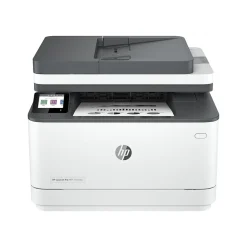
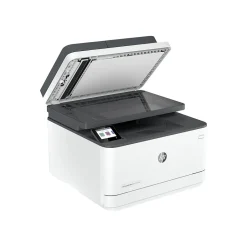
All-In-One Printers<HP LaserJet Pro MFP 3101fdw All-in-One Printer 3G628F#BGJ
All-In-One Printers
All-In-One Printers
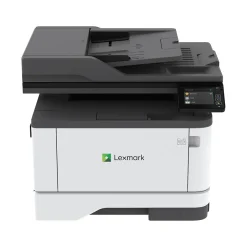
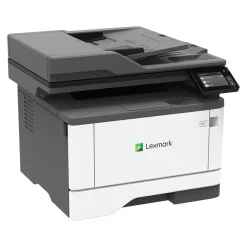
All-In-One Printers
All-In-One Printers<Lexmark MX431adw 29S0500 Black & White Laser All-In-One Printer
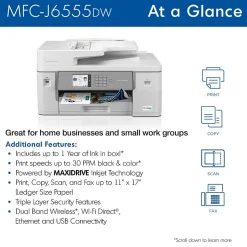
All-In-One Printers

Printer Replacement Parts
All-In-One Printers
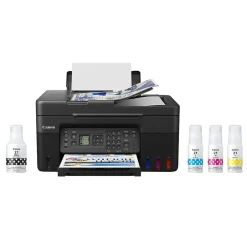
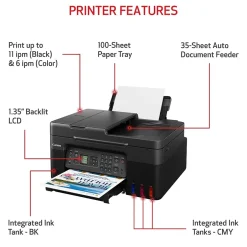
All-In-One Printers<Canon MegaTank PIXMA G4270 Wireless Color All-in-One Inkjet Printer (5807C002)
Laser Printers
All-In-One Printers
Reviews
There are no reviews yet.