
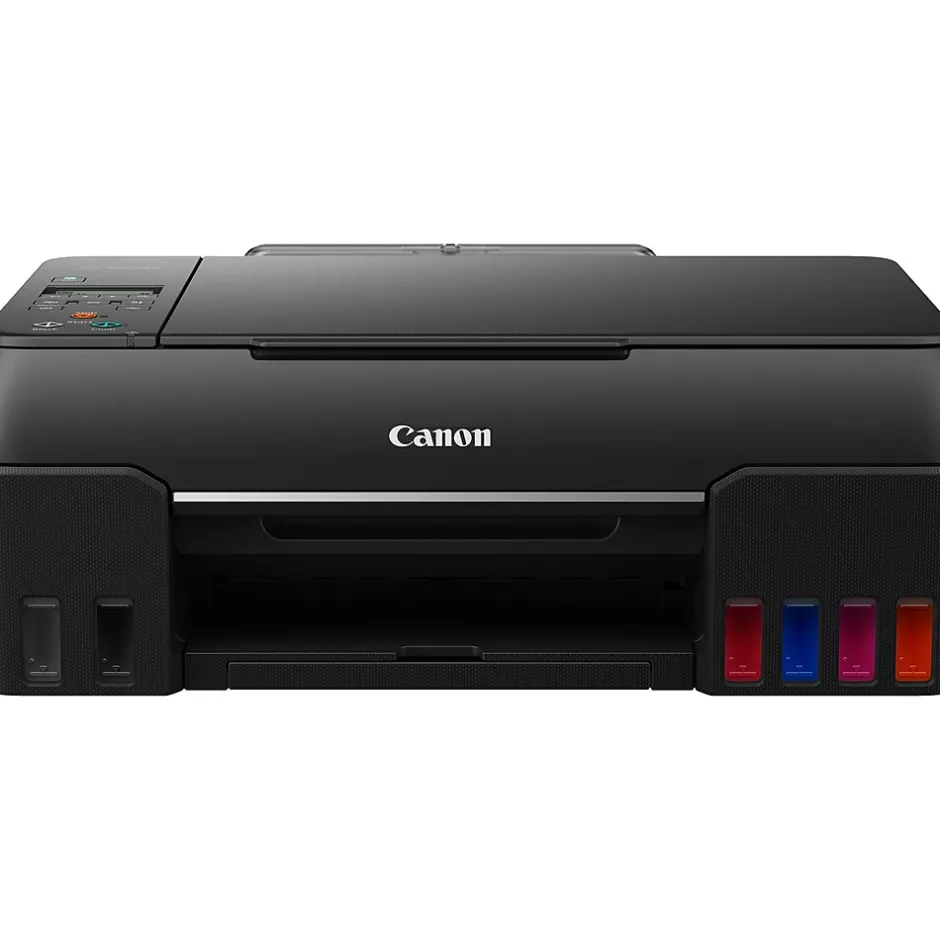
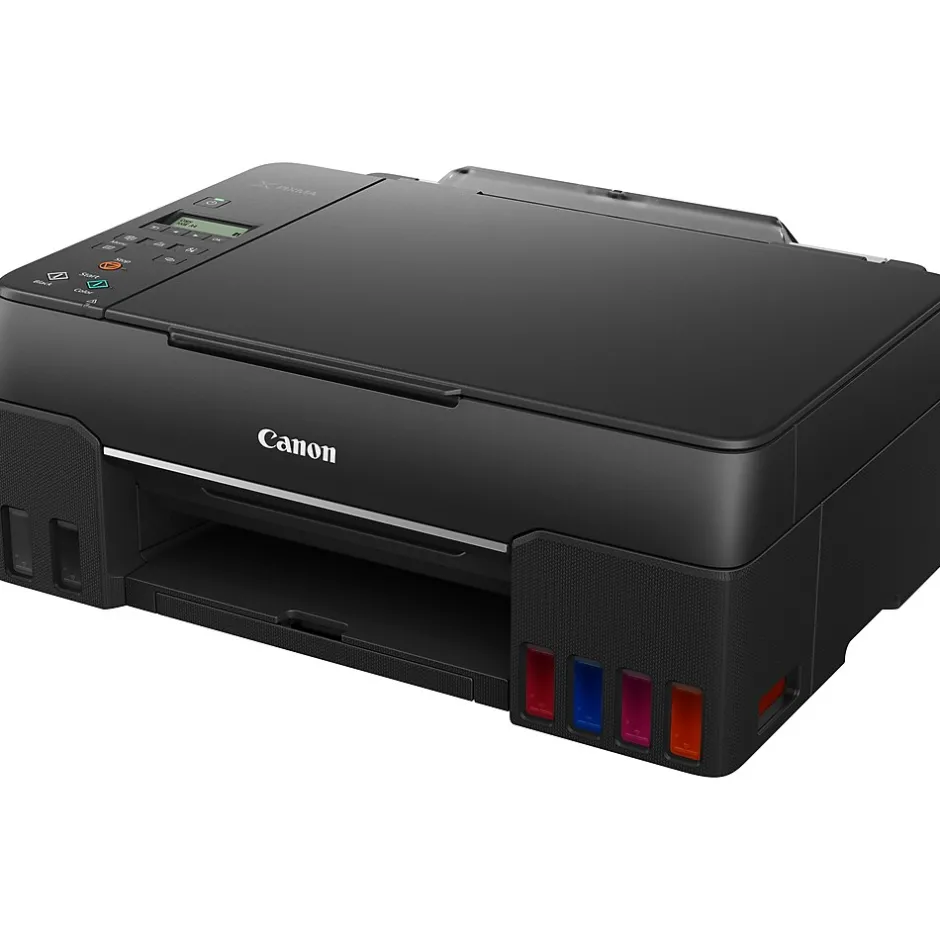
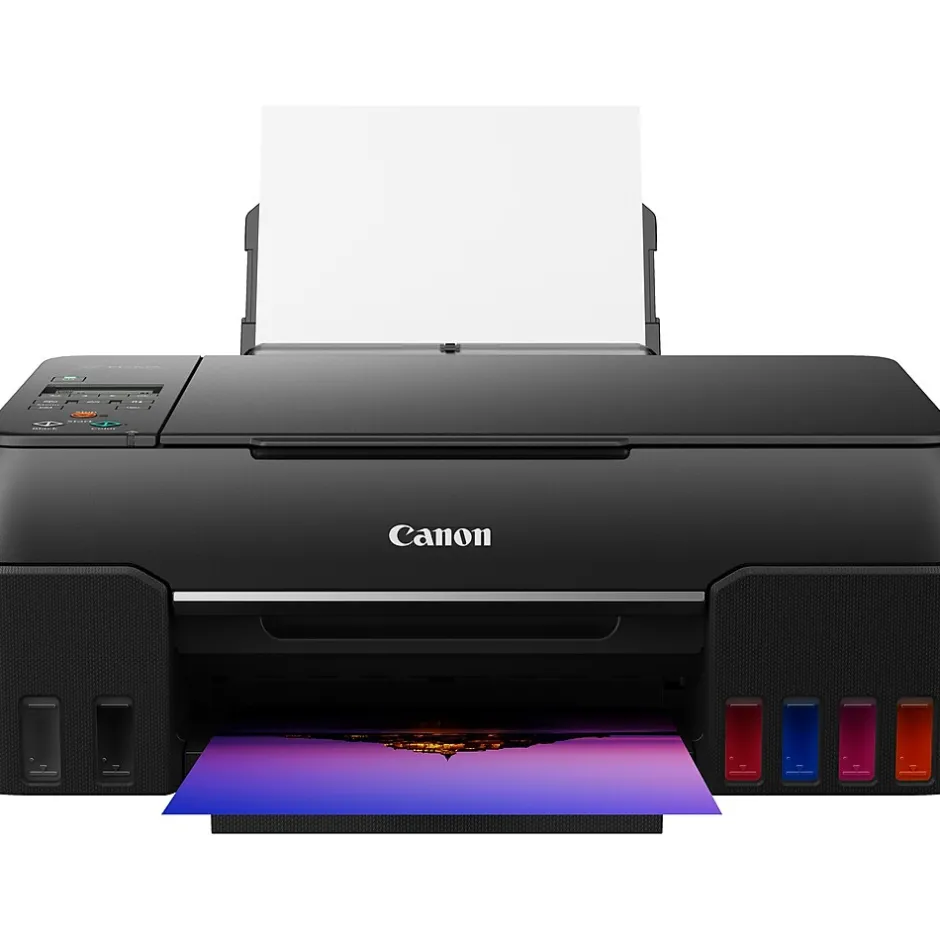
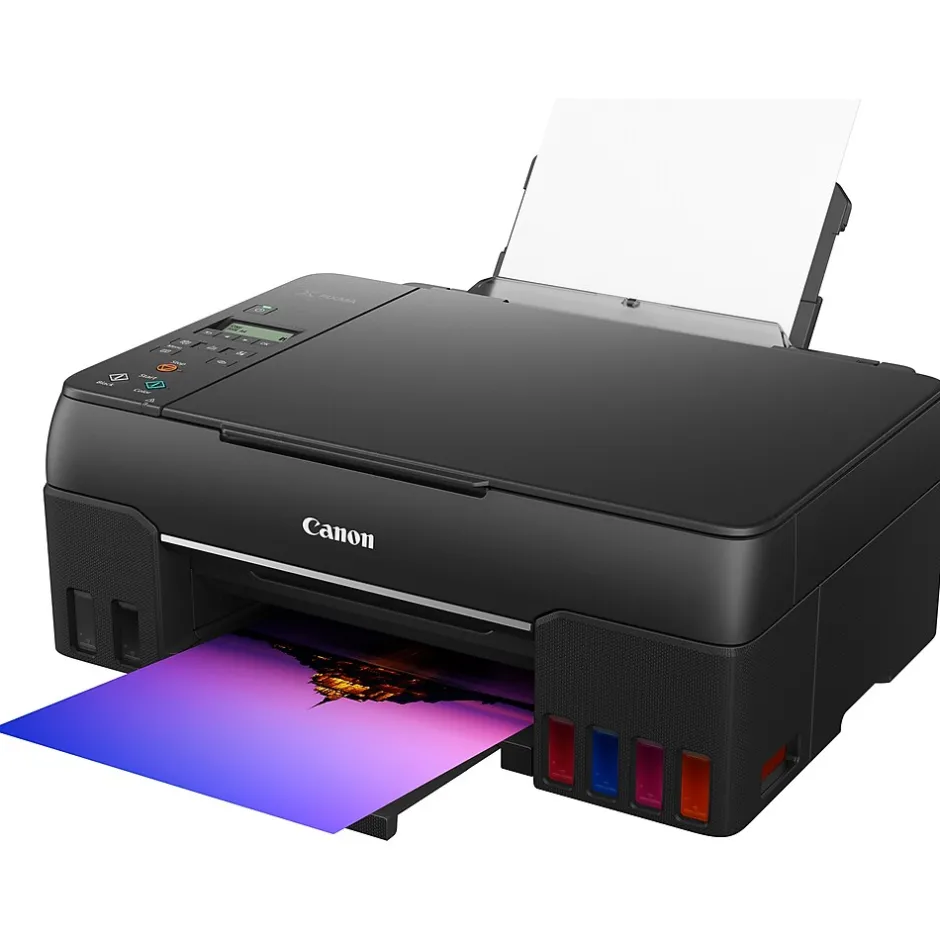
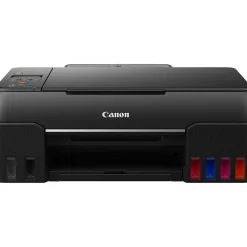
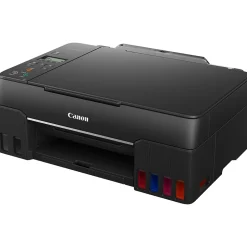
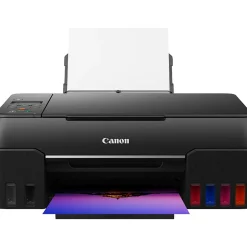
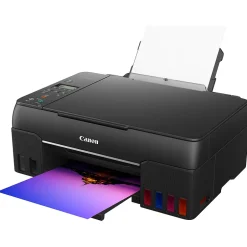
Color Printers<Canon MegaTank PIXMA G620 Wireless Color All-in-One Inkjet Printer (4620C002)
$120.89
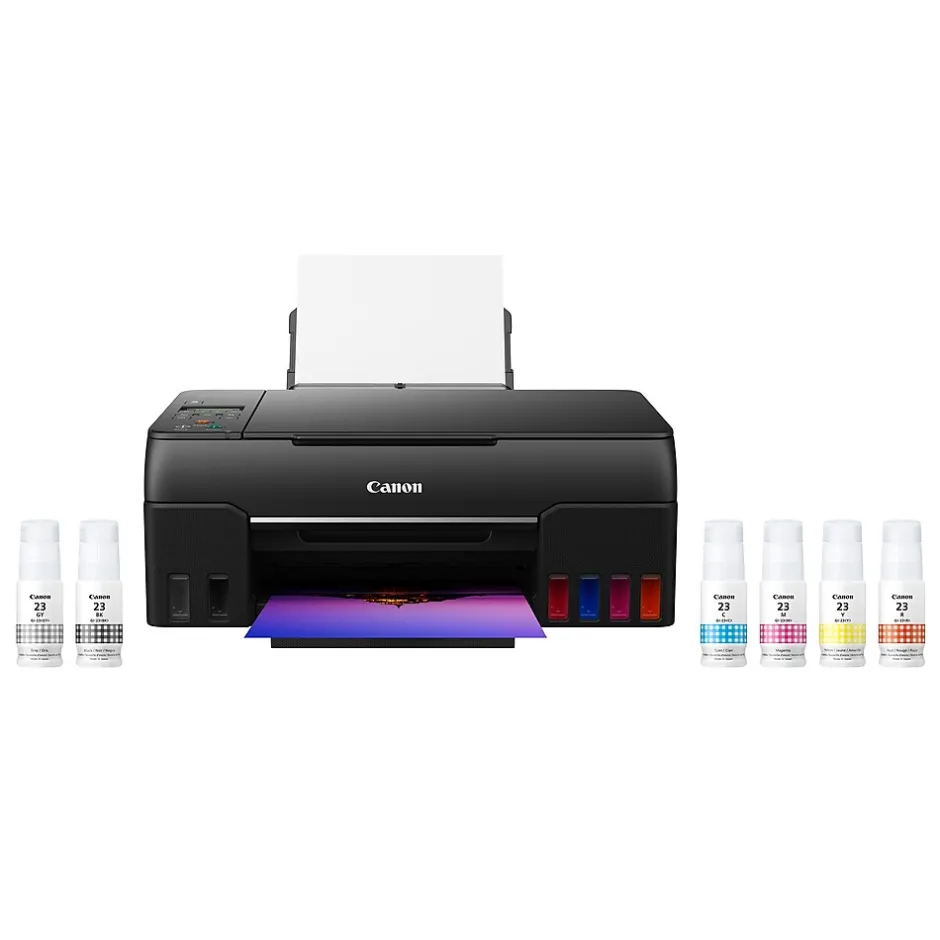
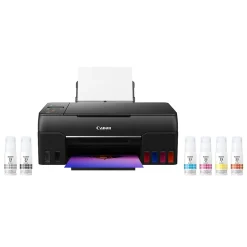
Print more stunning photos for less with the Canon MegaTank PIXMA G620 photo printer. On just one full set of ink bottles, you can print up to 3800 4″ x 6″ color photos. With a six-color dye-based ink system, including red and gray inks, you will get beautiful vivid photos with an expanded color gamut. Designed for high-volume, high-quality photo printing, PIXMA G620 is perfect for memory makers and keepers for photo albums, scrapbooks, and more. Plus, setup out of the box is a breeze, and printing is easy through high-speed USB or wirelessly from a computer or mobile devices.
- All-in-one borderless printer gives you printing, copying, and scanning capability
- Printer has a resolution quality that goes up to 4800 x 1200 dpi for excellent readability
- Print speed: 3.9 ipm in black/white and 3.9 ipm in color
- One USB 2.0 and Wi-Fi connectivity help enhance productivity
- Dimensions: 10.1″H x 19.1″W x 17.6″D
- Types of media supported include high-resolution paper, restickable photo paper, greeting cards, semi-gloss photo paper, luster paper, glossy photo paper, plain paper, cardstock, magnetic photo paper, iron-on transfers; 100 sheets of paper input capacity
- Features Continuous Ink Supply System (CISS), auto power on/off, auto print head alignment, quiet mode, wireless connect, wireless direct connection, user-replaceable print head, and user-replaceable maintenance cartridge
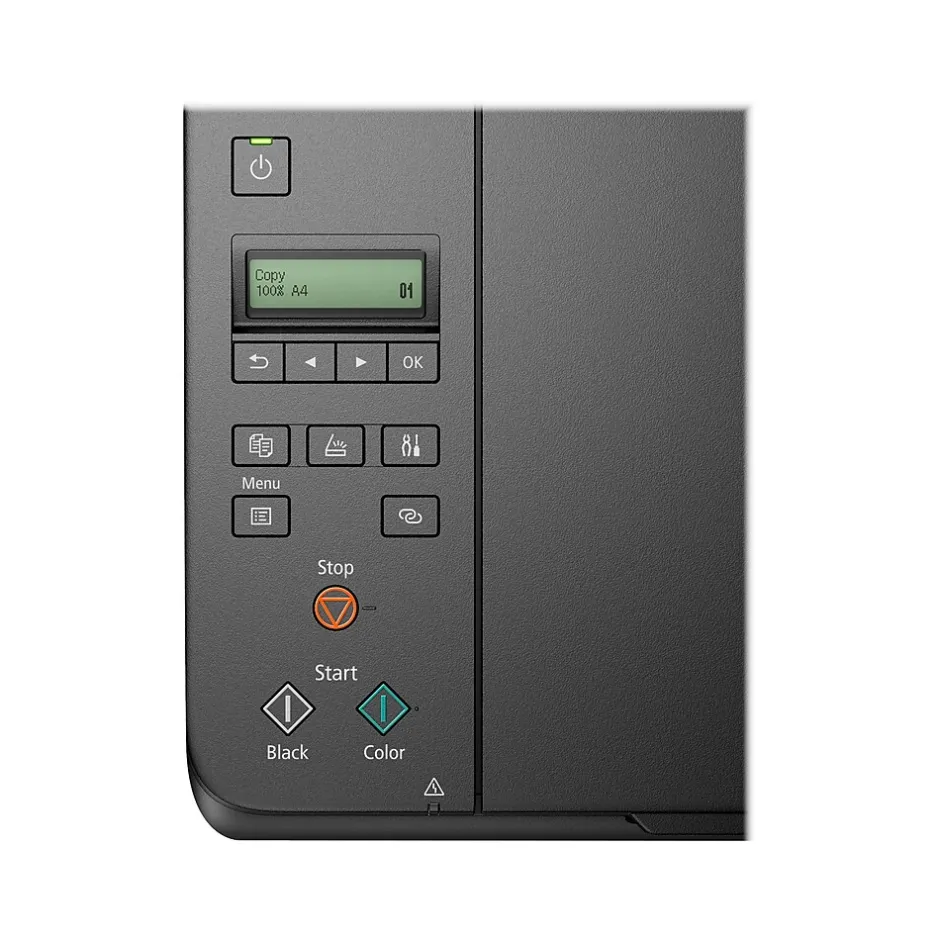
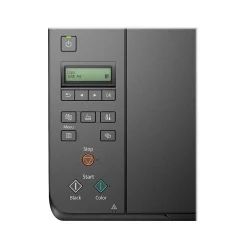
- Two-line mono LCD display enables easy setup and navigation
- 600 x 1200 dpi optical resolution, 8-bit color depth, 8-bit grayscale depth for good-quality printed text and images
- Meets or exceeds ENERGY STAR standard
- Print up to 3800 4″ x 6″ color photos on a full set of ink
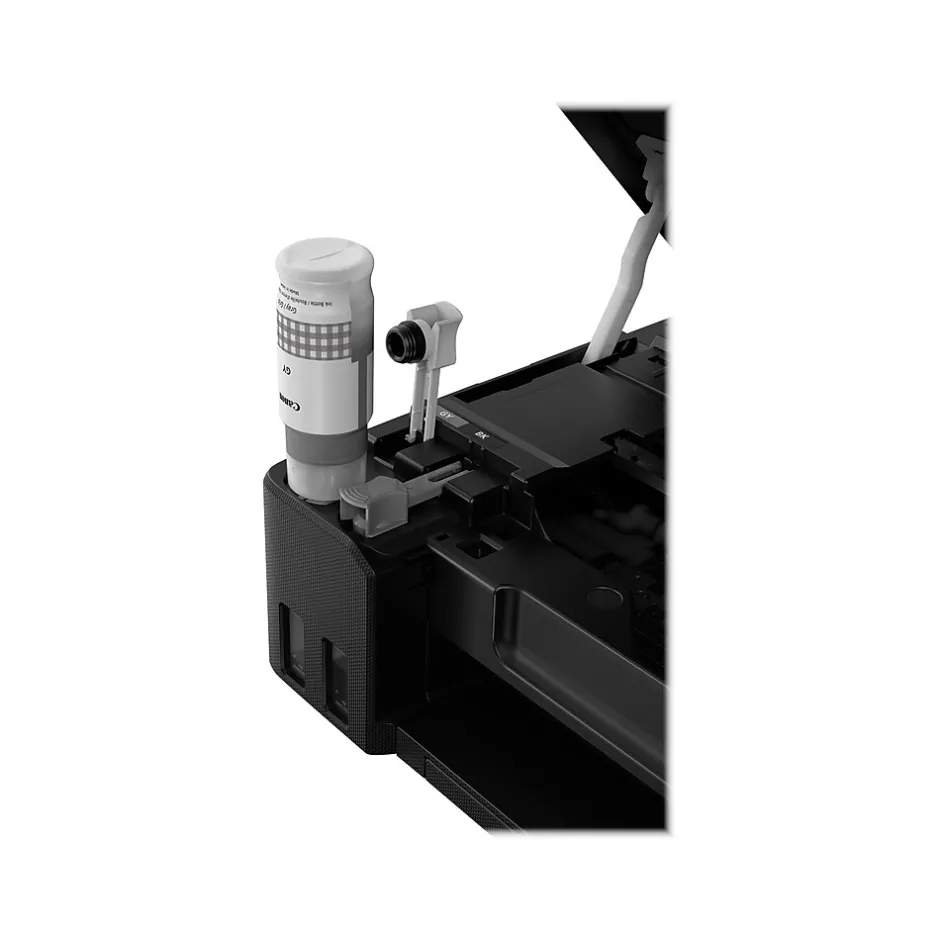
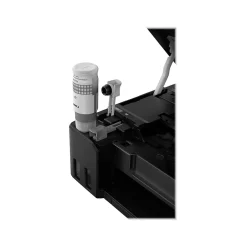
- Easy to fill with keyed bottle shape for each color to only fit and fill the correct ink tank
- Easy setup for smartphone and computer so you can get to printing faster
- 1-year manufacturer limited warranty
| Attribute name | Attribute value |
|---|---|
| *key specs | |
| Family Model # Indicates the type of display panel on the product. | LCD |
| Printer Condition Printer Type specifies the printing technology. Inkjet printers use ink cartridges which output droplets of ink onto paper through the printhead nozzles. Laser printers use a laser beam to create an image onto a drum, which then transfers the image onto paper through powder toner cartridges. Dot Matrix printers use printheads made of pins which press ink-soaked ribbon onto paper to create images. Zero Ink printers utilize heat technology, not requiring an ink cartridge, toner or ribbon. | Inkjet |
| Series or Collection Refers to the recommended use case of each printer. Home printers are best for a household, whereas home office printers are best from work from home individuals or personal workspaces. | Home Office |
| What’s in the Printer Box Refers to the primary function(s) of the printer: Instant Photo (specific to portable photo printers), Print only (also known as single function), Print, Scan, Copy (also known as all-in-one), or any combination of Print, Scan, Copy, and Fax. | Print, Scan, Copy |
| Supertank Refers to the primary capabilities of the printer in an abbreviated form. Can be either all-in-one (Print, Scan, Copy) with fax potentially included, or single function (Print Only). | All-In-One |
| connectivity | |
| Wireless Ready Refers to the methods that can be used to print from the printer. For example, a USB and Wireless printer can be connected to either wirelessly or through a USB cord to print a document. | USB & Wireless |
| Mobile Device Printing | Apple AirPrint, Mopria, Canon PRINT app, Easy-PhotoPrint Editor app, PIXMA Chat Print, Canon Print Service, Canon Creative Park app |
| Network Ready Indicates what types of paper or material can be used in the printer. | High resolution paper, restickable photo paper, greeting cards, semi-gloss photo paper, luster paper, glossy photo paper, plain paper, cardstock |
| copy, scan, fax features | |
| Copy Enlargement % (Up to) Indicates how small an image can be deflated via the printer. | 25 |
| Maximum Number of Copies Scanner resolution (or optical resolution), measured in dots per inch (dpi), refers to the amount of detail a scanner can capture. The higher the resolution, the higher the quality and sharpness of the scanned image. | 600 x 1200 dpi |
| dimensions | |
| Height in Inches Weight of the product measured in pounds. | 14.5 |
| Width in Inches The overall depth of the product, measured front to back. | 17.6 |
| output | |
| Maximum Printer Monthly Duty Cycle Specifies if the printer’s output is either black and white (also referred to as monochrome), or color. | Color |
| paper | |
| Supported Paper Sizes Indicates the number of sheets of paper the printer can hold in the printer input tray. | 100 sheets |
| Automatic Document Feeder (ADF) | 8.5″ x 14″ Legal |
| power | |
| Power Source Information The amount of electricity consumed in one hour, measured in Watts. | 16 |
| print features | |
| Double Sided Printing Print Speed, measured in pages per minute (PPM), specifies the amount of color pages that the printer can produce within 60 seconds. | 10 PPM & Under |
| Wide Format Compatibility Max print resolution, measured in dots per inch (dpi), refers to the maximum amount of detail in a printed image. The higher the resolution, the higher the quality and sharpness of the image. | 4800 DPI |
| Photo Capable Noise level, measured in decibels (dB), is the level of noise emission. The louder the noise, the higher the decibel level. | 50.5 |
| ISO Black & White Print Speed (ipm) Print Speed, measured in pages per minute (PPM), specifies the amount of black and white pages that the printer can produce within 60 seconds. | 10 PPM & Under |
| ISO Color Print Speed (ipm) Borderless printing allows you to print to the edges of a piece of paper without any white border or margin visible. | Borderless Printing |
| warranty | |
| Printer Warranty Recommended number of users that can be using the device. | 1-5 Users |
| True Color Portable printers allow a user to print on-the-go. This means the printer can operate without being plugged in, using an internal battery. | Standard |
Be the first to review “Color Printers<Canon MegaTank PIXMA G620 Wireless Color All-in-One Inkjet Printer (4620C002)”
Related products
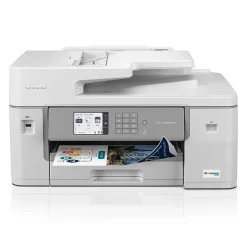
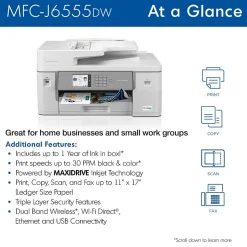
All-In-One Printers
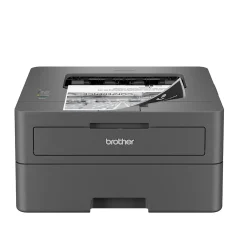
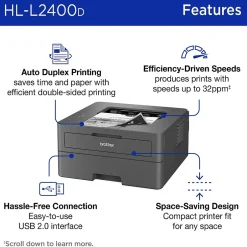
Printers
Printers For Home Offices<Brother HL-L2400D Compact Laser Printer, Single-Function, Print (9092806)
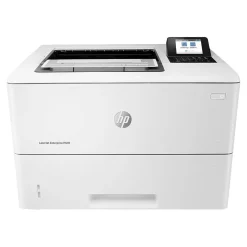
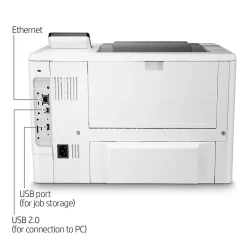
Laser Printers
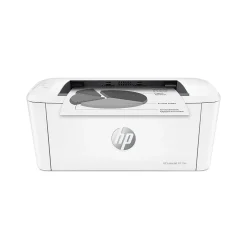
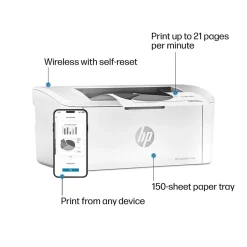
Printers
Wireless Printers<HP LaserJet M110w Wireless Black & White Printer, Best for Home Office (7MD66F)
All-In-One Printers
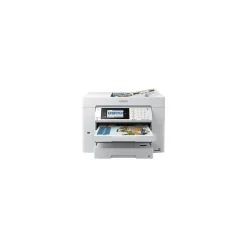
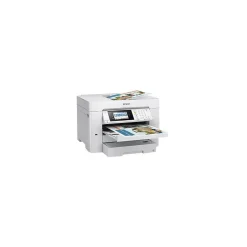
All-In-One Printers<Epson WorkForce EC-C7000 All-in-One Printer C11CH67202
All-In-One Printers
All-In-One Printers
Printer Maintenance Kits
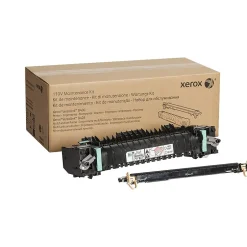
Printer Maintenance Kits<Xerox Genuine VersaLink B400/B405 Fuser Maintenance Kit, 110V (115R00119)
Printers
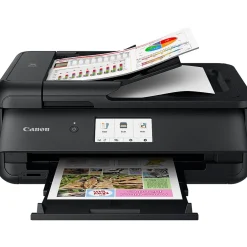
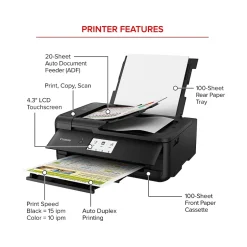
Wireless Printers<Canon PIXMA TS9520a Inkjet Printer, All-in-One, Print, Scan, Copy (2988C032)
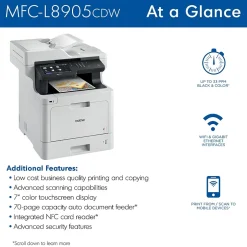
All-In-One Printers
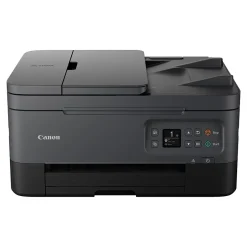
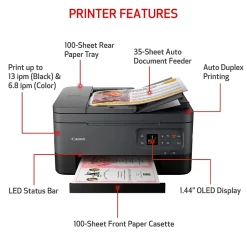
All-In-One Printers
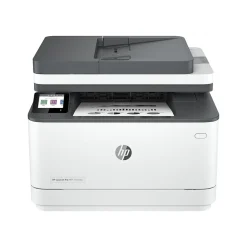
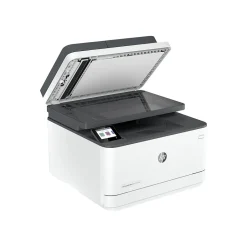
All-In-One Printers<HP LaserJet Pro MFP 3101fdw All-in-One Printer 3G628F#BGJ
All-In-One Printers
Reviews
There are no reviews yet.