
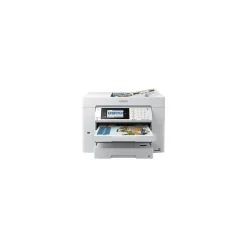
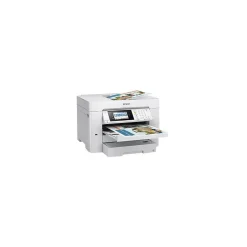
Instant Photo Printers<Epson EcoTank ET-15000 Wireless Color Inkjet Printer, All-In-One Supertank, Print, Scan, Copy, Fax (9472514)
Original price was: $499.00.$130.99Current price is: $130.99.
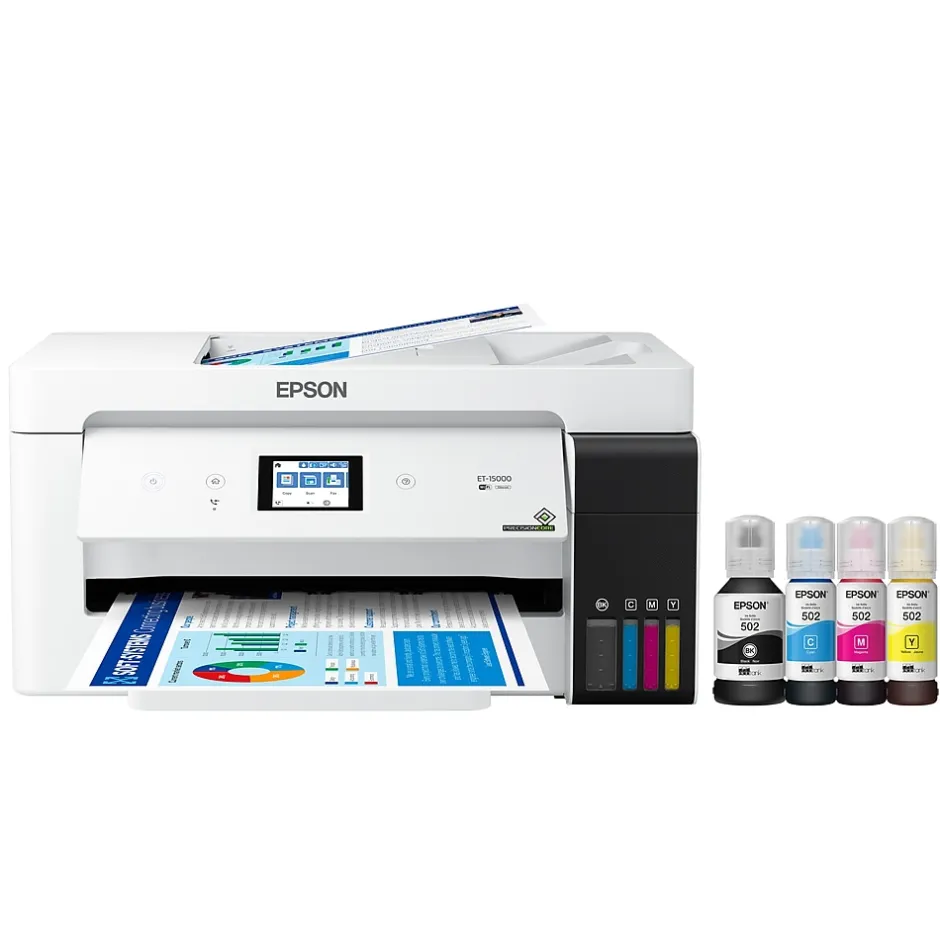
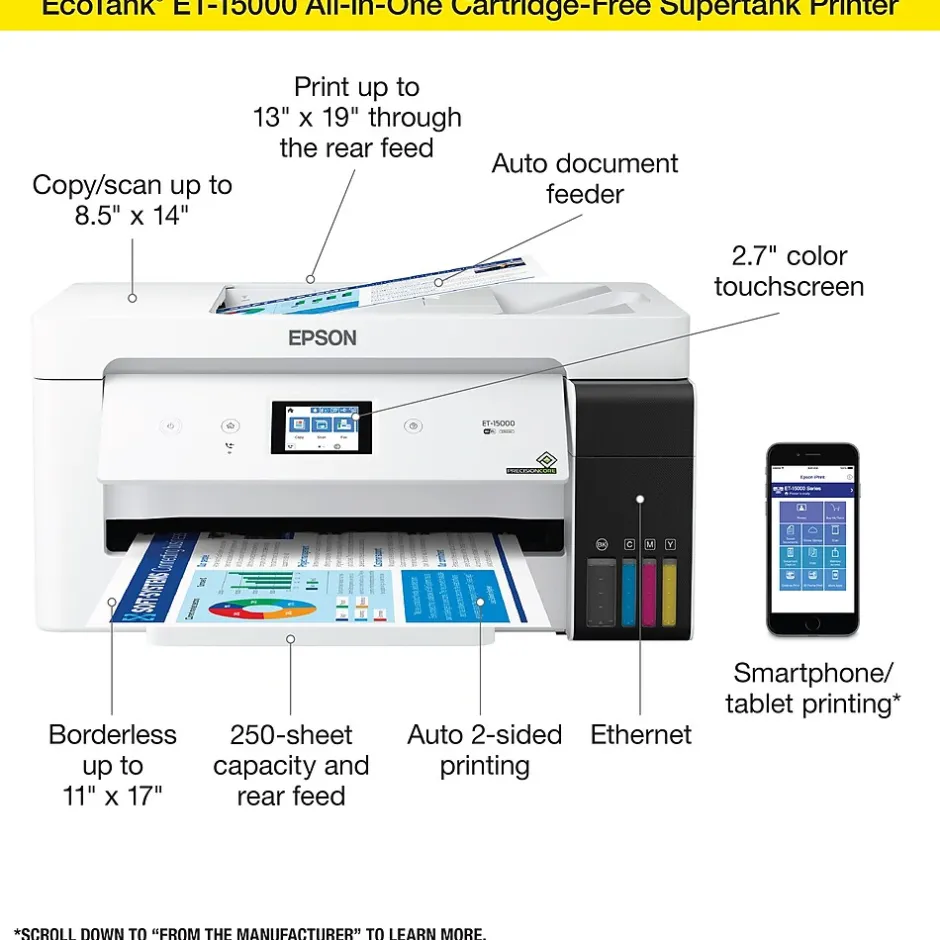
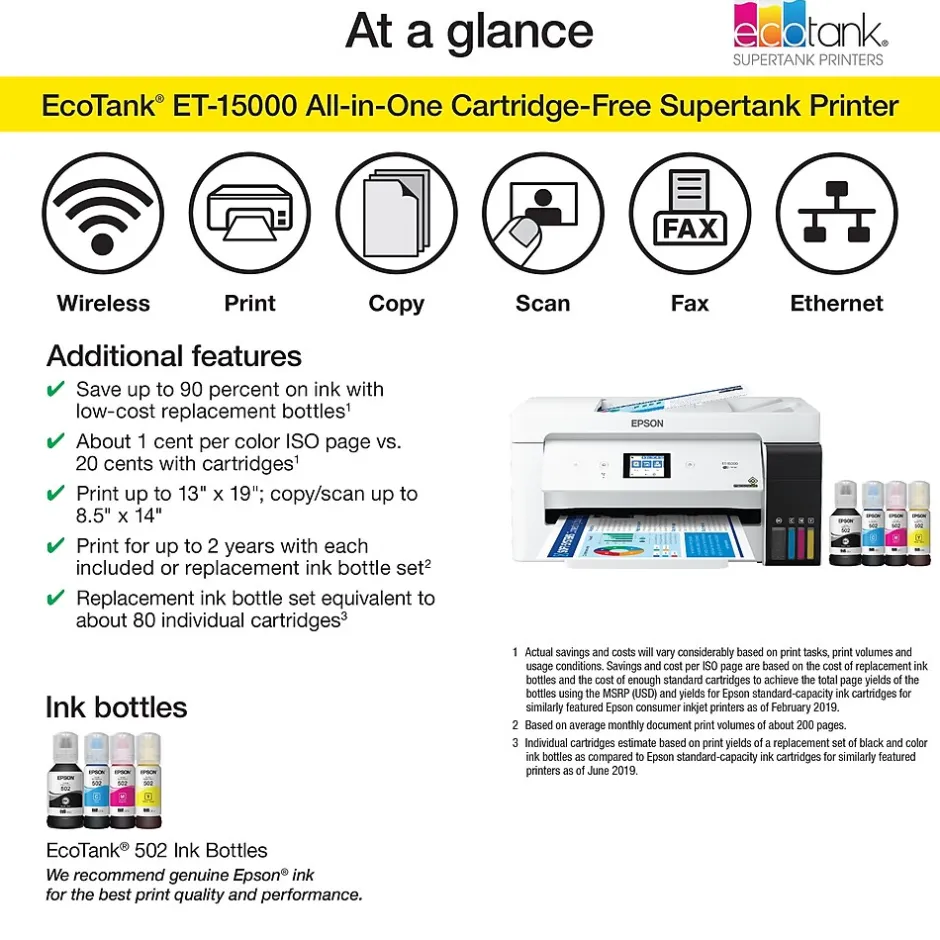
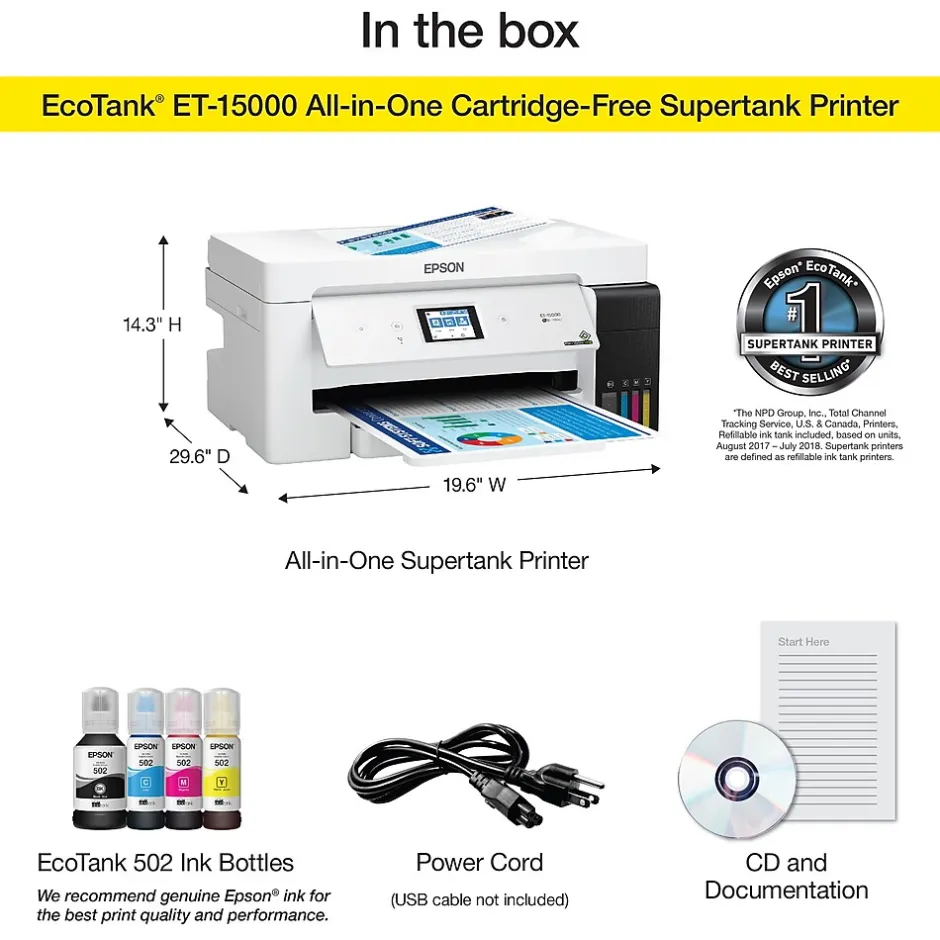
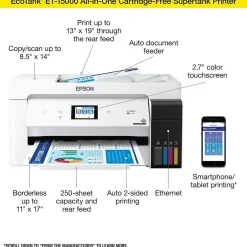
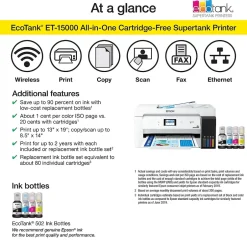
The EcoTank ET-15000 wireless all-in-one offers Cartridge-Free Printing with easy-to-fill supersized ink tanks. Save up to 90 percent on ink with low-cost replacement bottles. This all-in-one delivers vibrant prints up to 13″ x 19″ (through rear-feed tray) and scans up to 8.5″ x 14″ (via the ADF). Print for up to 2 years with each included or replacement ink bottle set — each replacement set includes enough ink to print up to 7,500 pages. That’s equivalent to about 80 individual cartridges. And, there’s zero cartridge waste. The ET-15000 features a 250-sheet front tray paper capacity and rear specialty-paper feed, plus a 2.7″ color touchscreen and hands-free voice-activated printing
- Innovative Cartridge-Free Printing – No more tiny, expensive ink cartridges; each ink bottle set is equivalent to about 80 individual cartridges
- Dramatic Savings on Replacement Ink – Save up to 90% with replacement ink bottles vs. ink cartridges – that’s enough to print up to 7,500 pages black/6,000 color
- Stress-Free Printing – Up to 2 years of ink in the box – and with every replacement ink set – for fewer out of ink frustrations
- High-Capacity Ink Tanks – Epson’s exclusive EcoFit ink bottles make filling easy and worry-free
- Zero Cartridge Waste – By using an EcoTank printer, you can help reduce the amount of cartridge waste ending up in landfills
- Versatile Paper Handling — Print up to 13″ x 19″ and on specialty media through rear feed; copy and scan up to 8.5″ x 14″ via ADF
- High Productivity — Auto 2-sided printing; 2.7″ color touchscreen; borderless printing up to 11″ x 17″; hands-free voice-activated printing
- Product Protection You Can Count on — Key security features, including WPA2 for both wireless and Wi-Fi Direct, user-initiated data erase and network protocol disablement
- Ultimate Wireless Solution, Plus Ethernet — Easily print from your smart device with the intuitive Epson Smart Panel app; includes Wi-Fi Direct for network-free printing
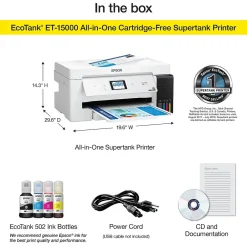
- Use Genuine Epson Ink – For optimal print quality and performance. Non-genuine ink could cause damage not covered by the printer’s limited warranty
| Attribute name | Attribute value |
|---|---|
| *key specs | |
| What’s in the Printer Box Indicates if the printer is new or refurbished. Refurbished printers are recycled printers with brand new parts. | New |
| Types of Display Printer Type specifies the printing technology. Inkjet printers use ink cartridges which output droplets of ink onto paper through the printhead nozzles. Laser printers use a laser beam to create an image onto a drum, which then transfers the image onto paper through powder toner cartridges. Dot Matrix printers use printheads made of pins which press ink-soaked ribbon onto paper to create images. Zero Ink printers utilize heat technology, not requiring an ink cartridge, toner or ribbon. | Inkjet |
| Display Screen Size (Inches) Refers to the recommended use case of each printer. Home printers are best for a household, whereas home office printers are best from work from home individuals or personal workspaces. | Home Office |
| Supertank | ET-15000 |
| Printer Capability Refers to the primary capabilities of the printer in an abbreviated form. Can be either all-in-one (Print, Scan, Copy) with fax potentially included, or single function (Print Only). | All-In-One |
| Touch Screen Display Items of a particular grouping, as merchandised and labeled by a manufacturer | EcoTank ET-15000 |
| connectivity | |
| Wireless Ready Refers to the methods that can be used to print from the printer. For example, a USB and Wireless printer can be connected to either wirelessly or through a USB cord to print a document. | USB, Wireless, Network Ready |
| Mobile Device Printing | Epson Connect Email Print, Epson iPrint Mobile App, Android, iOS, AirPrint (1.8), Mopria |
| Network Ready Indicates what types of paper or material can be used in the printer. | (Ultra Premium) Photo Paper Glossy & Semigloss, (Premium) Presentation Paper Matte, (Premium) Bright White Paper, Multipurpose Plus, Plain Paper |
| copy, scan, fax features | |
| Copy Enlargement % (Up to) Copy Resolution, measured in dots per inch (dpi), indicates the amount of detail the printer will produce in a copied document. The higher the dpi, the higher the quality of the print. | 1200 x 2400 dpi |
| Color Copy Speed (cpm) Indicates how small an image can be deflated via the printer. | 25 |
| Maximum Number of Copies Copy Speed, expressed as copies per minute (cpm), represents the average number of copies a printer can produce every 60 seconds to the output tray. | 11.5 |
| Color Copy Resolution (Up to) Scanner resolution (or optical resolution), measured in dots per inch (dpi), refers to the amount of detail a scanner can capture. The higher the resolution, the higher the quality and sharpness of the scanned image. | 1200 x 2400 dpi |
| dimensions | |
| Height in Inches The overall width of the product, measured left to right. | 19.6 |
| Weight (lbs.) The overall depth of the product, measured front to back. | 14.1 |
| environmental | |
| ENERGY STAR certified A Staples program used to recognize products that meet specific environmental criteria with an Eco-ID icon. Learn more at EcoIDProgram.com | Yes, product meets Staples criteria for environmental features to earn the Eco-ID mark. Learn more at EcoIDProgram.com |
| output | |
| Output Type Absolute maximum number (or range) of pages the machine can print in any given month. | 33000 pages |
| paper | |
| Auto Feeder Capacity (Sheets) | 2 |
| Printer Max Paper Size | 3.5″ x 5″, 4″ x 6″, 5″ x 7″, 8″ x 10″, 8.5″ x 11″, 8.5″ x 14″, 11″ x 17″, 13″ x 19″, A4, A6, Half Letter, Executive |
| Maximum Number of Paper Trays An automatic document feeder (ADF) is a mechanism that feeds multiple sheets of paper into a device in a single operation. | Yes |
| Paper Input Capacity The amount of electricity consumed in one hour, measured in Watts. | 12 |
| Power Source Information Expressed as images per minute (IPM), refers to the print speed of the printer when producing color images based on standards from the International Organization for Standardization (ISO). | 9 |
| Recommended Monthly Print Volume Print Speed, measured in pages per minute (PPM), specifies the amount of color pages that the printer can produce within 60 seconds. | 10 PPM & Under |
| Monthly Printer Volume Max print resolution, measured in dots per inch (dpi), refers to the maximum amount of detail in a printed image. The higher the resolution, the higher the quality and sharpness of the image. | 4800 DPI |
| Photo Capable Expressed as images per minute (IPM), refers to the print speed of the printer when producing black and white images based on standards from the International Organization for Standardization (ISO). | 17 |
| Wide Format Compatibility Noise level, measured in decibels (dB), is the level of noise emission. The louder the noise, the higher the decibel level. | 55 |
| Double Sided Printing Borderless printing allows you to print to the edges of a piece of paper without any white border or margin visible. | Borderless Printing |
| Black & White Print Speed | 1 Year Limited |
| additional details | |
| Printer System Requirements | EPSON ESC/P Raster, EPSON ESC/P-R |
| Operating Temperature Range Recommended number of users that can be using the device. | 6-10 Users |
| Operating Humidity Range Actual manufacturer name for the color of the product. | White |
| Printer Portability Portable printers allow a user to print on-the-go. This means the printer can operate without being plugged in, using an internal battery. | Standard |
Be the first to review “Instant Photo Printers<Epson EcoTank ET-15000 Wireless Color Inkjet Printer, All-In-One Supertank, Print, Scan, Copy, Fax (9472514)”
Related products
All-In-One Printers
All-In-One Printers<Lexmark MX431adw 29S0500 Black & White Laser All-In-One Printer
All-In-One Printers
All-In-One Printers<Epson WorkForce EC-C7000 All-in-One Printer C11CH67202
All-In-One Printers


All-In-One Printers
Printers
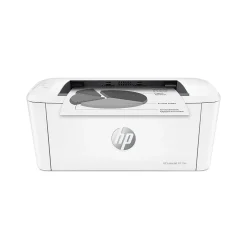
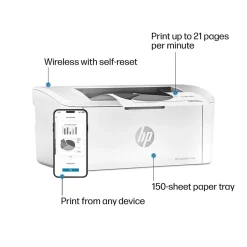
Wireless Printers<HP LaserJet M110w Wireless Black & White Printer, Best for Home Office (7MD66F)
All-In-One Printers
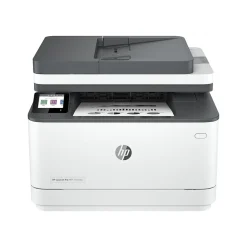
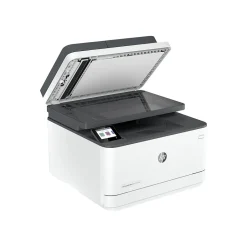
All-In-One Printers<HP LaserJet Pro MFP 3101fdw All-in-One Printer 3G628F#BGJ
Printers
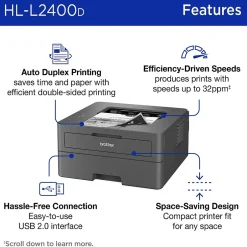
Printers For Home Offices<Brother HL-L2400D Compact Laser Printer, Single-Function, Print (9092806)
Laser Printers



Printer Imaging Kits
Printer Imaging Kits<Lexmark 56F0Z00 Black Return Program Imaging Unit
Reviews
There are no reviews yet.