

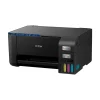
Instant Photo Printers<Epson EcoTank ET-2400 Wireless Color Inkjet Printer, All-In-One Supertank, Print, Scan, Copy (9592581)
Original price was: $159.00.$103.99Current price is: $103.99.
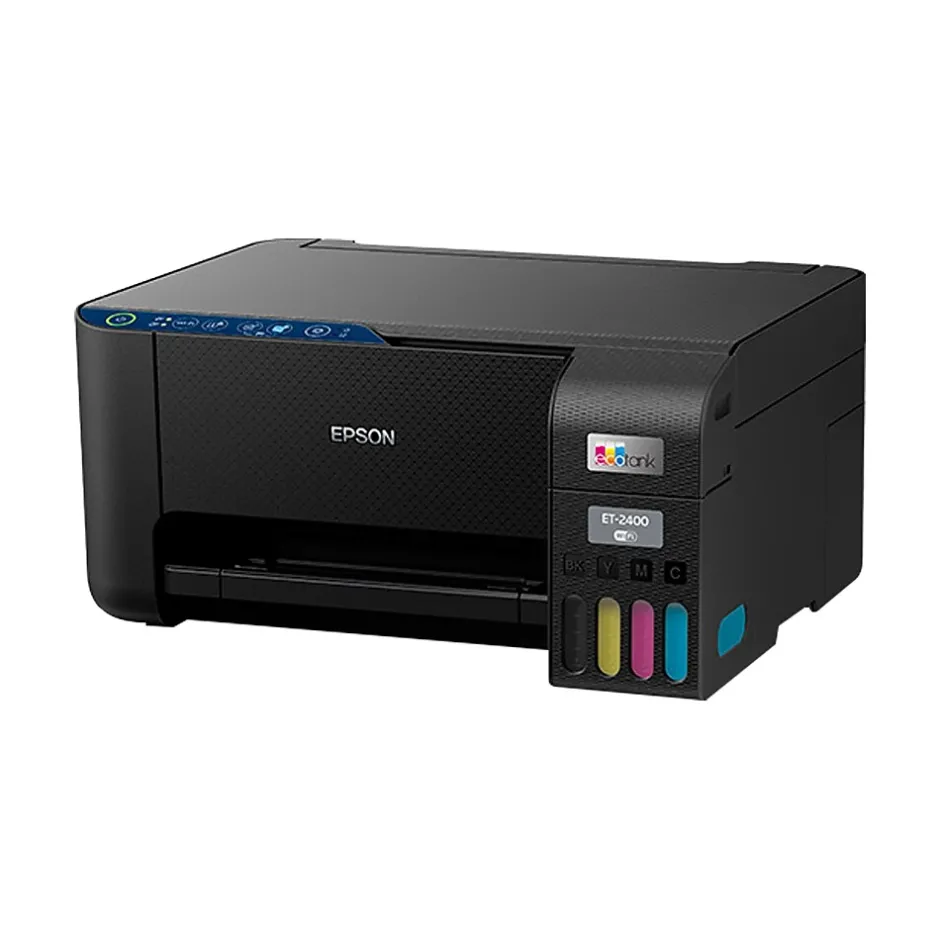
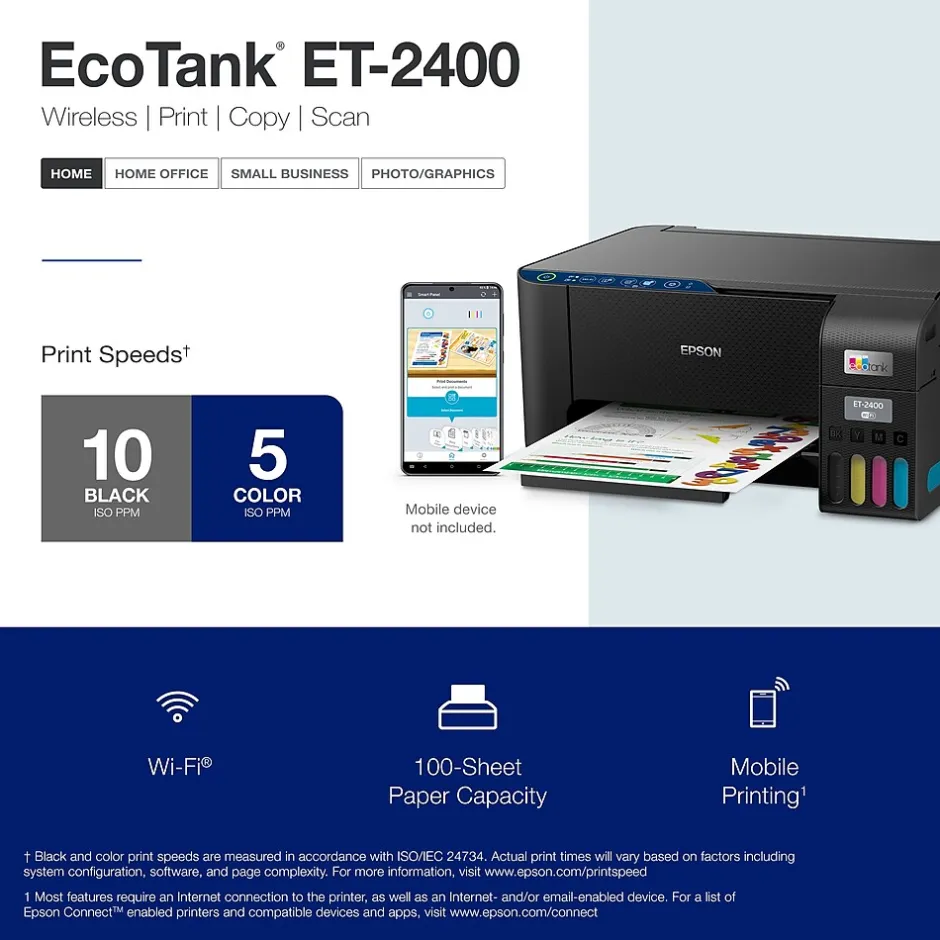
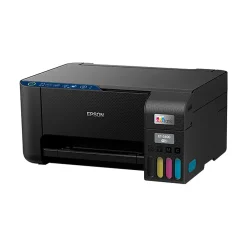
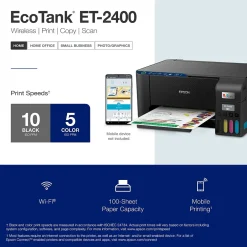
You’re looking for an easy-to-use Supertank printer that will get the job done. That’s why we developed the EcoTank ET-2400 – an innovative cartridge-free solution that uses high-capacity, easily refillable ink tanks. So you’ll worry less about running out of ink, and save a lot on replacement ink. The ET-2400 features genuine Epson print quality and a high-resolution flatbed scanner – making it a convenient choice for essential, everyday home printing.
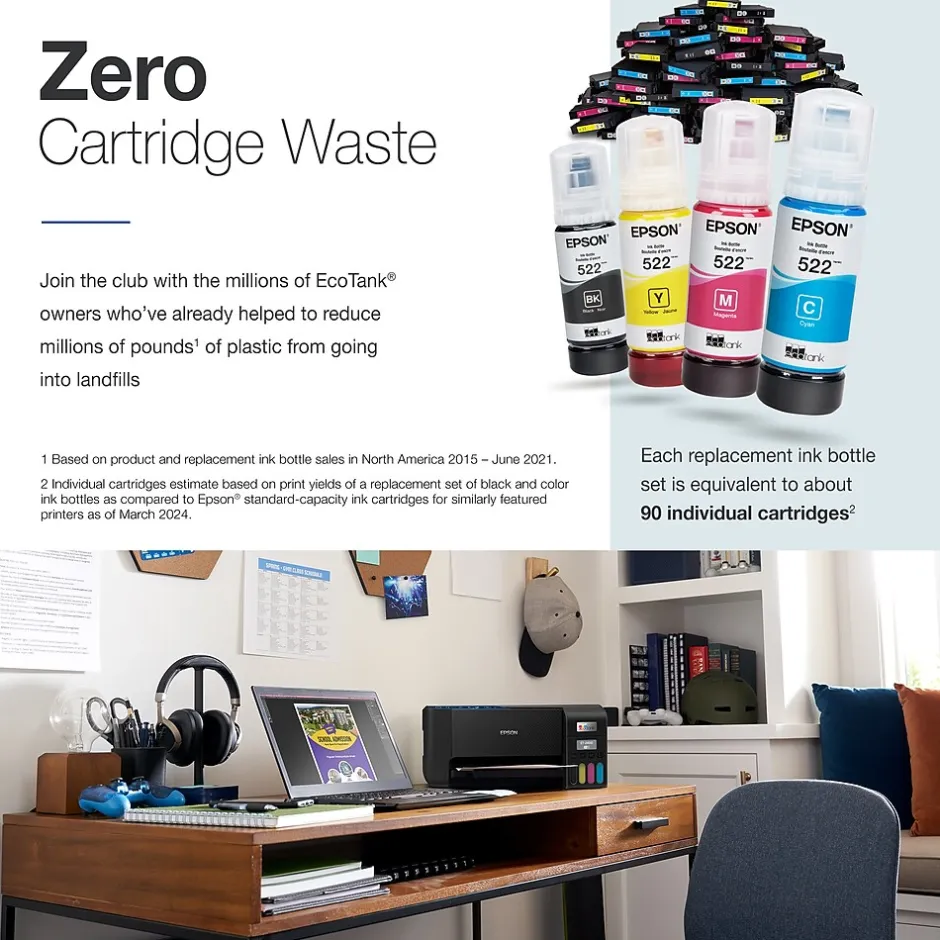
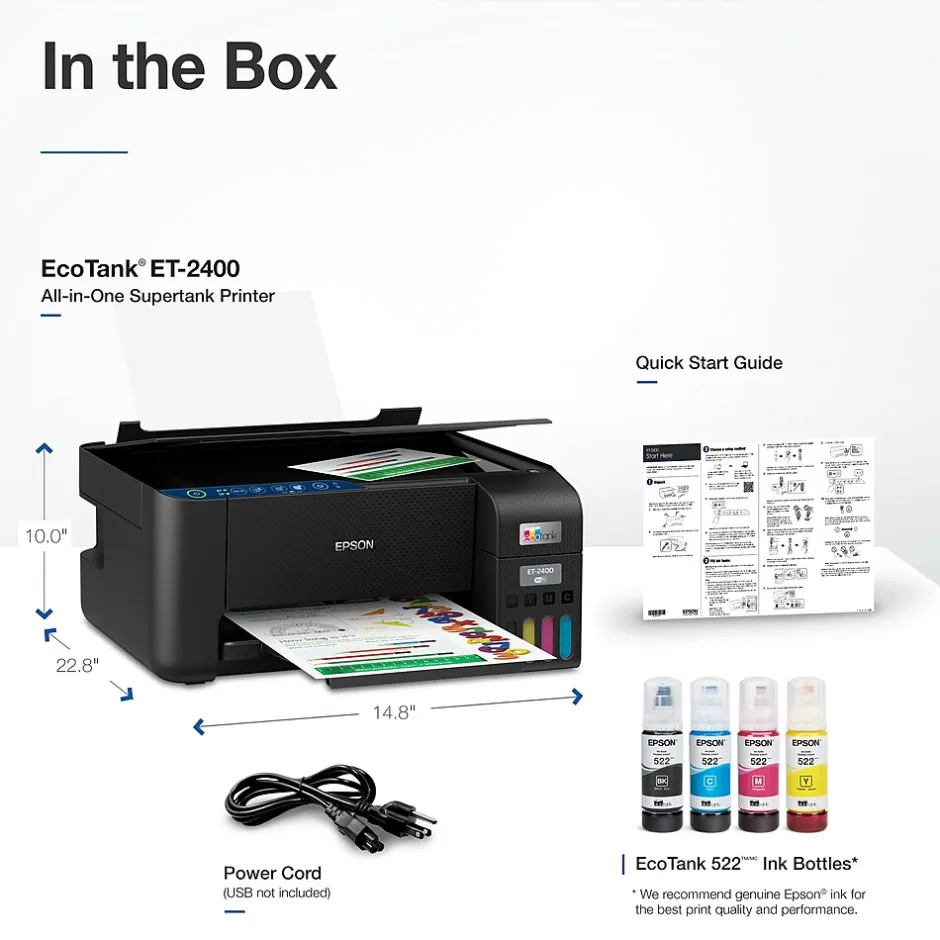
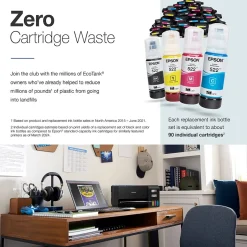
- Innovative Cartridge-Free Printing – No more tiny, expensive ink cartridges; each ink bottle set is equivalent to about 80 individual ink cartridges
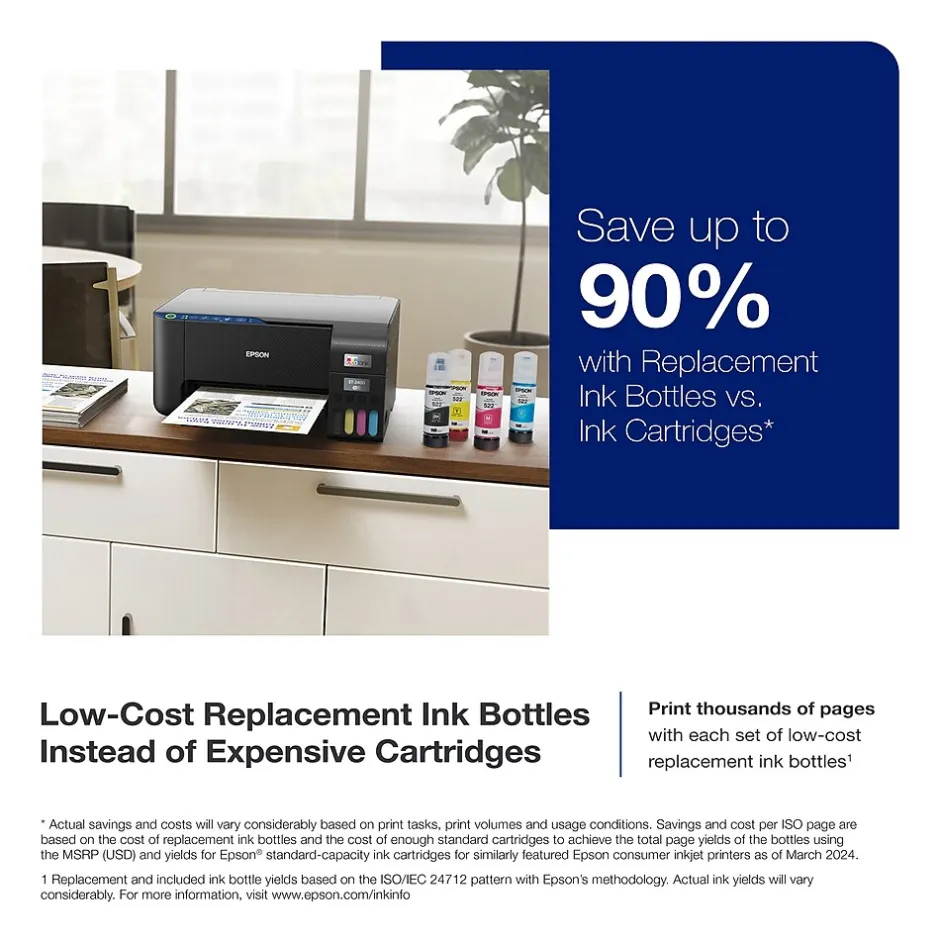
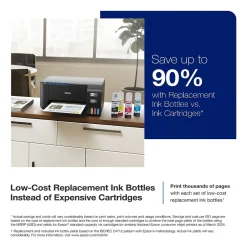
- Dramatic Savings on Replacement Ink – Save up to 90% with replacement ink bottles vs. ink cartridges – that’s enough to print up to 4,500 pages black/7,500 color
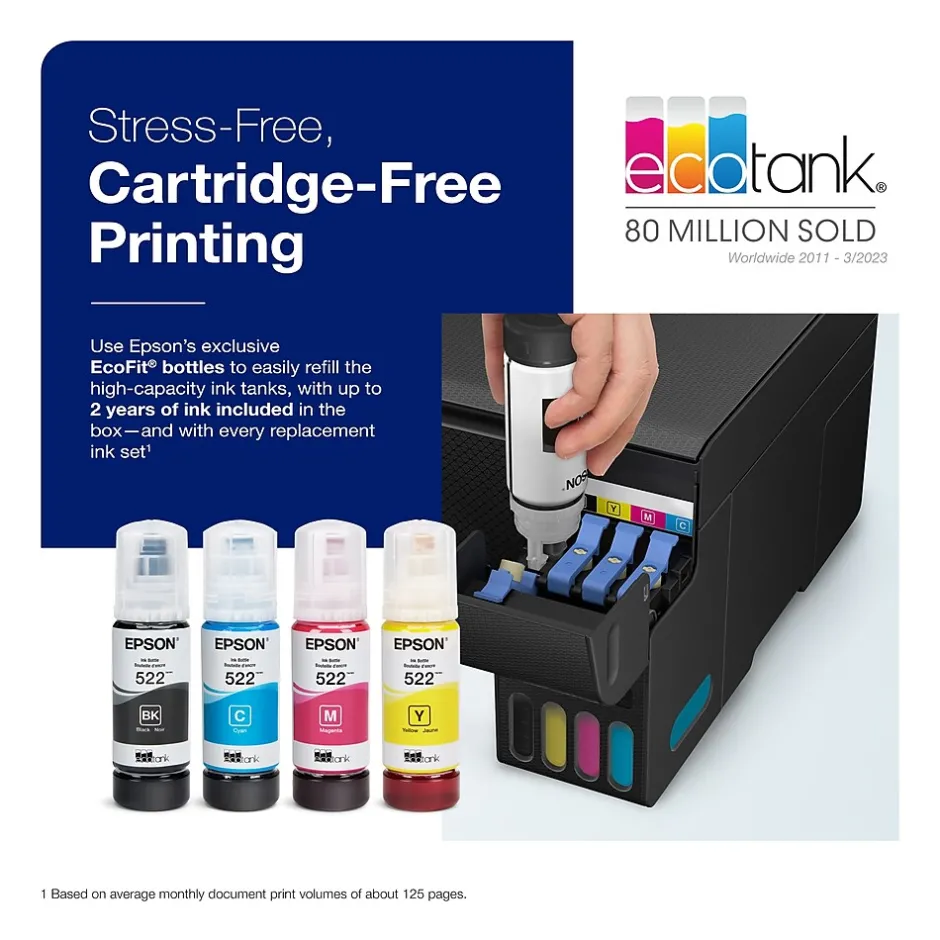
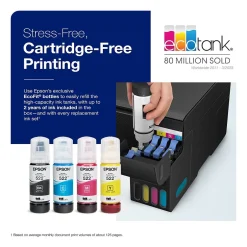
- Stress-Free Printing — Up to 2 years of ink in the box – and with every replacement ink set – for fewer out of ink frustrations
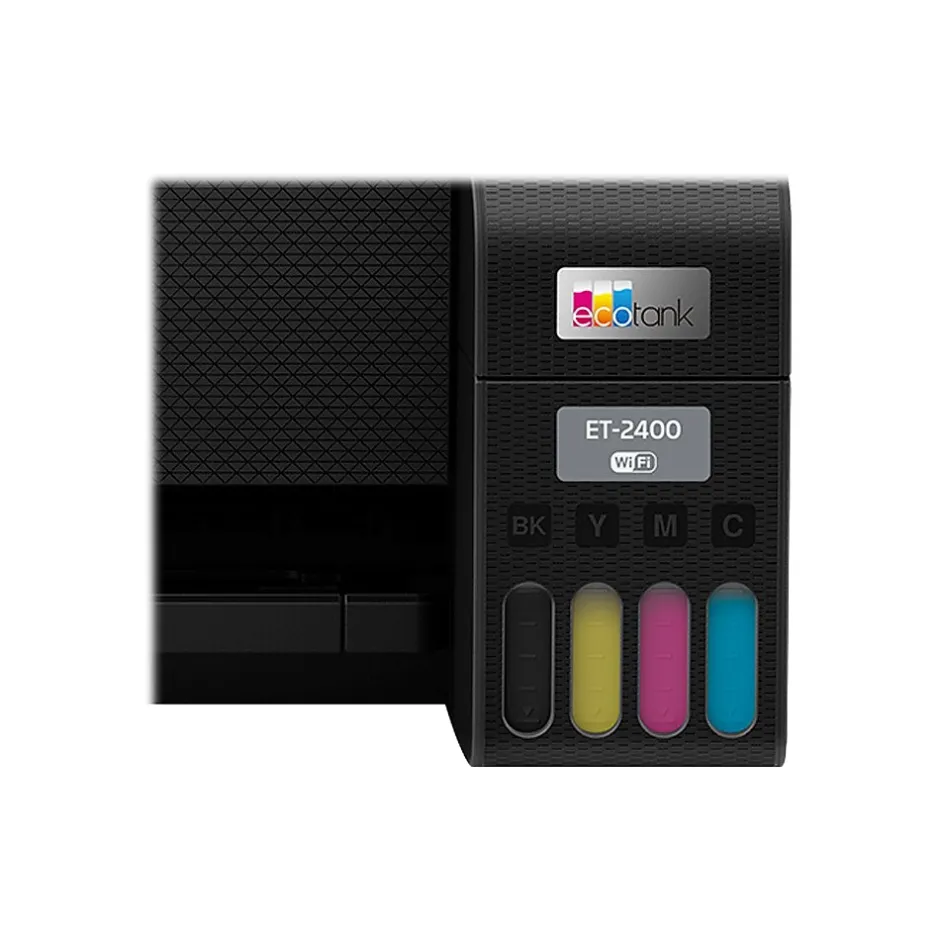
- High-Capacity Ink Tanks – Epson’s exclusive EcoFit ink bottles make filling easy and worry-free
- Zero Cartridge Waste – By using an EcoTank printer, you can help reduce the amount of cartridge waste ending up in landfills
- Impressive Print Quality – Unique Micro Piezo Heat-Free Technology produces sharp text – plus impressive color photos and graphics – on virtually any paper type
- Built-in Scanner & Copier – High-resolution flatbed scanner for easy document management
- Use Genuine Epson Ink – For optimal print quality and performance. Non-genuine ink could cause damage not covered by the printer’s limited warranty
- Modern Connectivity – Features wireless, plus hands-free voice-activated printing. Easily print from your smart device with the intuitive Epson Smart Panel App
| Attribute name | Attribute value |
|---|---|
| *key specs | |
| Touch Screen Display Indicates if the printer is new or refurbished. Refurbished printers are recycled printers with brand new parts. | New |
| What’s in the Printer Box Printer Type specifies the printing technology. Inkjet printers use ink cartridges which output droplets of ink onto paper through the printhead nozzles. Laser printers use a laser beam to create an image onto a drum, which then transfers the image onto paper through powder toner cartridges. Dot Matrix printers use printheads made of pins which press ink-soaked ribbon onto paper to create images. Zero Ink printers utilize heat technology, not requiring an ink cartridge, toner or ribbon. | Inkjet |
| Series or Collection Refers to the primary function(s) of the printer: Instant Photo (specific to portable photo printers), Print only (also known as single function), Print, Scan, Copy (also known as all-in-one), or any combination of Print, Scan, Copy, and Fax. | Print, Scan, Copy |
| Family Model # Refers to whether or not a printer has built-in tanks for ink. This feature is specific to Tank printers and allows them to store high quantities of ink. Non-tank printers will be classified as “standard”. | Supertank |
| Printer Use Refers to the primary capabilities of the printer in an abbreviated form. Can be either all-in-one (Print, Scan, Copy) with fax potentially included, or single function (Print Only). | All-In-One |
| connectivity | |
| Network Ready A wireless ready printer (or Wi-Fi printer) uses a wireless internet connection to receive information from a computer or other device. A wired printer requires a cable for a direct connection to a computer or network. | Wireless |
| Printer Connectivity | Epson Smart Panel App (iOS, Android), Epson Email Print, Epson Remote Print |
| Mobile Device Printing Indicates what types of paper or material can be used in the printer. | Plain paper/bright white, ultra premium photo glossy, premium photo glossy, photo glossy, premium photo semigloss, presentation matte |
| copy, scan, fax features | |
| Maximum Number of Copies Copy Resolution, measured in dots per inch (dpi), indicates the amount of detail the printer will produce in a copied document. The higher the dpi, the higher the quality of the print. | 300 x 300 dpi |
| Black & White Copy Speed (cpm) Copy Resolution, measured in dots per inch (dpi), indicates the amount of detail the printer will produce in a copied document. The higher the dpi, the higher the quality of the print. | 300 x 300 dpi |
| Color Copy Speed (cpm) Scanner resolution (or optical resolution), measured in dots per inch (dpi), refers to the amount of detail a scanner can capture. The higher the resolution, the higher the quality and sharpness of the scanned image. | 1200 x 2400 dpi |
| dimensions | |
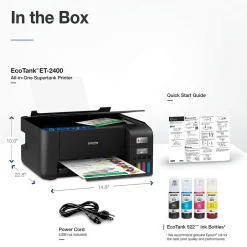
| Depth in Inches The overall width of the product, measured left to right. | 14.8 |
| Weight (lbs.) The overall height of the product, measured top to bottom. | 10 |
| environmental | |
| ENERGY STAR certified A Staples program used to recognize products that meet specific environmental criteria with an Eco-ID icon. Learn more at EcoIDProgram.com | Yes, product meets Staples criteria for environmental features to earn the Eco-ID mark. Learn more at EcoIDProgram.com |
| output | |
| Printer Output Capacity Absolute maximum number (or range) of pages the machine can print in any given month. | 3000 pages |
| Output Type The time (measured in seconds) it takes printer to print and deliver the first page in the output tray. | 6 |
| Black & White First Page Out (seconds) | 1 |
| Maximum Number of Paper Trays Indicates the number of sheets of paper the printer can hold in the printer input tray. | 100 sheets |
| Automatic Document Feeder (ADF) | 3.5″ x 5″, 4″ x 6″, 5″ x 7″, 8″ x 10″, 8.5″ x 11″, 8.5″ x 14″ |
| Reversing Automatic Document Feeder (RADF) | 8.5″ x 14″ Legal |
| power | |
| Power Source Information The amount of electricity consumed in one hour, measured in Watts. | 12 |
| print features | |
| Double Sided Printing Print Speed, measured in pages per minute (PPM), specifies the amount of color pages that the printer can produce within 60 seconds. | 10 PPM & Under |
| Wide Format Compatibility Max print resolution, measured in dots per inch (dpi), refers to the maximum amount of detail in a printed image. The higher the resolution, the higher the quality and sharpness of the image. | 5760 DPI |
| Photo Capable Expressed as images per minute (IPM), refers to the print speed of the printer when producing color images based on standards from the International Organization for Standardization (ISO). | 5 |
| Recommended Monthly Print Volume Print Speed, measured in pages per minute (PPM), specifies the amount of black and white pages that the printer can produce within 60 seconds. | 10 PPM & Under |
| ISO Black & White Print Speed (ipm) Borderless printing allows you to print to the edges of a piece of paper without any white border or margin visible. | Borderless Printing |
| Noise Level (decibels) | 201 – 600 Pages |
| warranty | |
| Printer Warranty Recommended number of users that can be using the device. | 1-5 Users |
| Operating Temperature Range The range of humidity levels, typically expressed in percentages, within which the product can function properly without performance issues. | 20-80% |
| True Color Listing of software programs or hardware devices required to operate the printer properly. | Windows, macOS |
| Printer Language Portable printers allow a user to print on-the-go. This means the printer can operate without being plugged in, using an internal battery. | Standard |
Be the first to review “Instant Photo Printers<Epson EcoTank ET-2400 Wireless Color Inkjet Printer, All-In-One Supertank, Print, Scan, Copy (9592581)”
Related products
All-In-One Printers
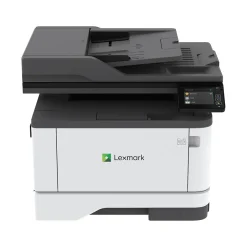
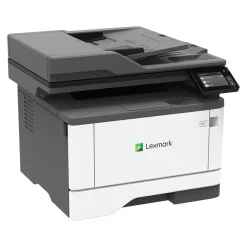
All-In-One Printers<Lexmark MX431adw 29S0500 Black & White Laser All-In-One Printer
All-In-One Printers
Laser Printers
Printers
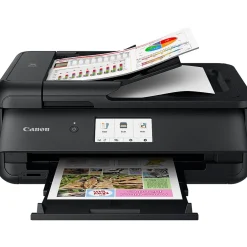
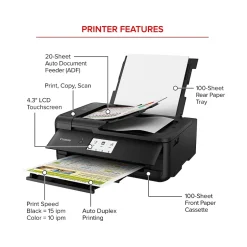
Wireless Printers<Canon PIXMA TS9520a Inkjet Printer, All-in-One, Print, Scan, Copy (2988C032)


All-In-One Printers
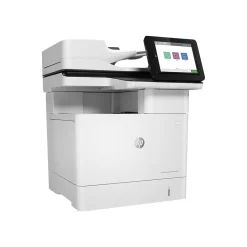
All-In-One Printers<HP LaserJet Pro MFP 3101fdw All-in-One Printer 3G628F#BGJ
All-In-One Printers

Printer Replacement Parts
Reviews
There are no reviews yet.