

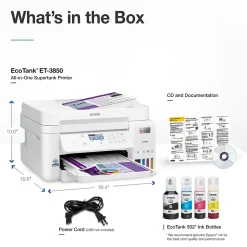
Instant Photo Printers<Epson EcoTank ET-3850 Wireless Color All-in-One Cartridge-Free Supertank Printer, White (Refurbished)
$101.89
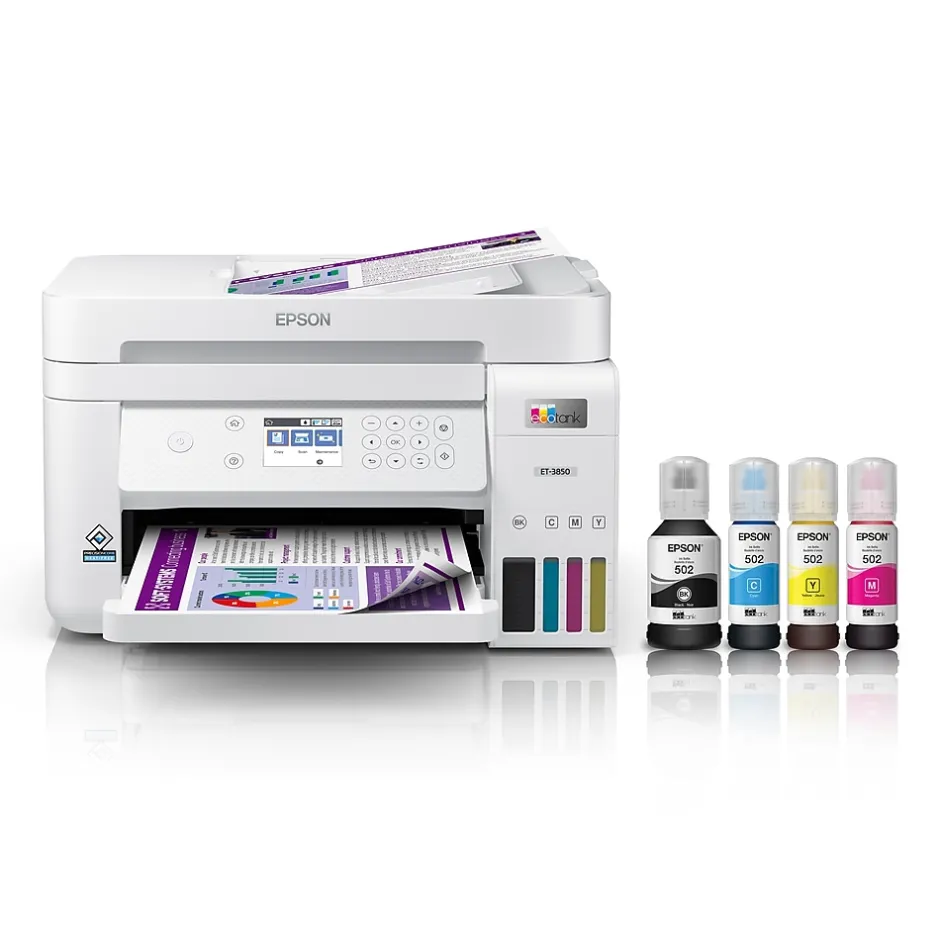
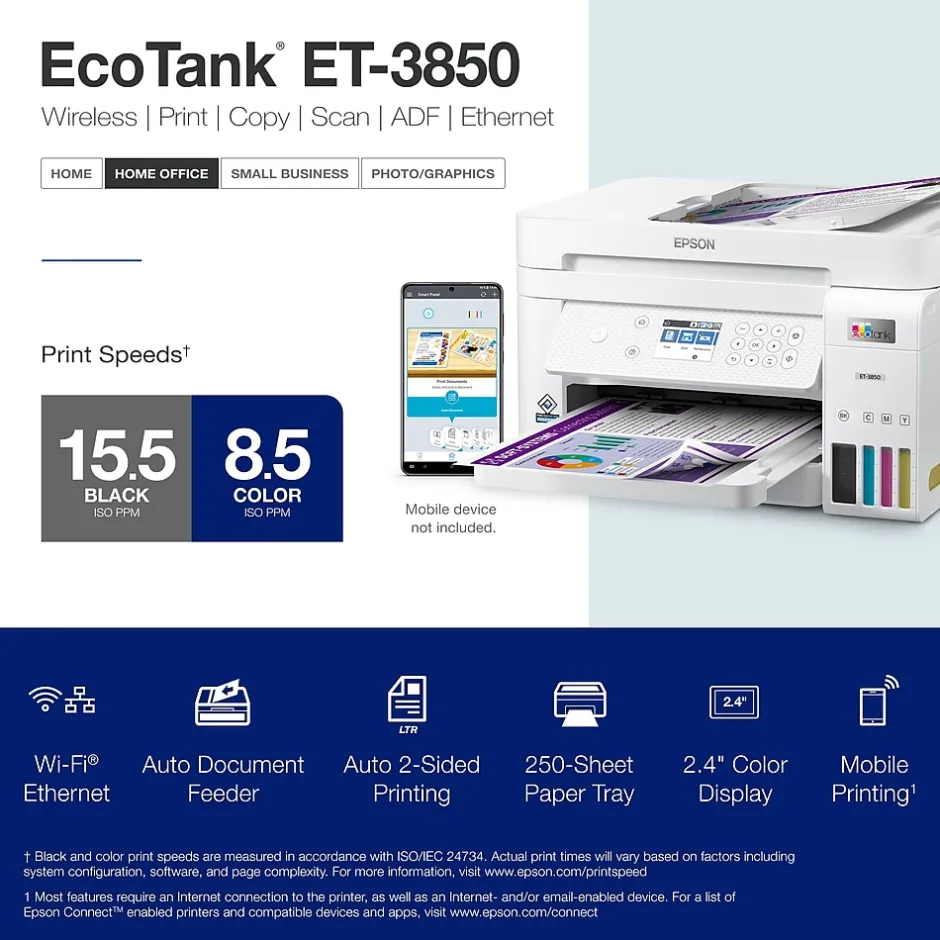
Your busy office needs a printer that’s fast, affordable, easy to use, and has great features. That’s why we developed the EcoTank ET-3850 – an innovative cartridge-free solution that uses high-capacity, easily refillable ink tanks. So you’ll worry less about running out of ink, and save a lot on replacement ink. The ET-3850 features an auto document feeder, fast printing with outstanding print quality, productive paper handling, a high-resolution flatbed scanner, and a large color display – making it the perfect printer for your home office.
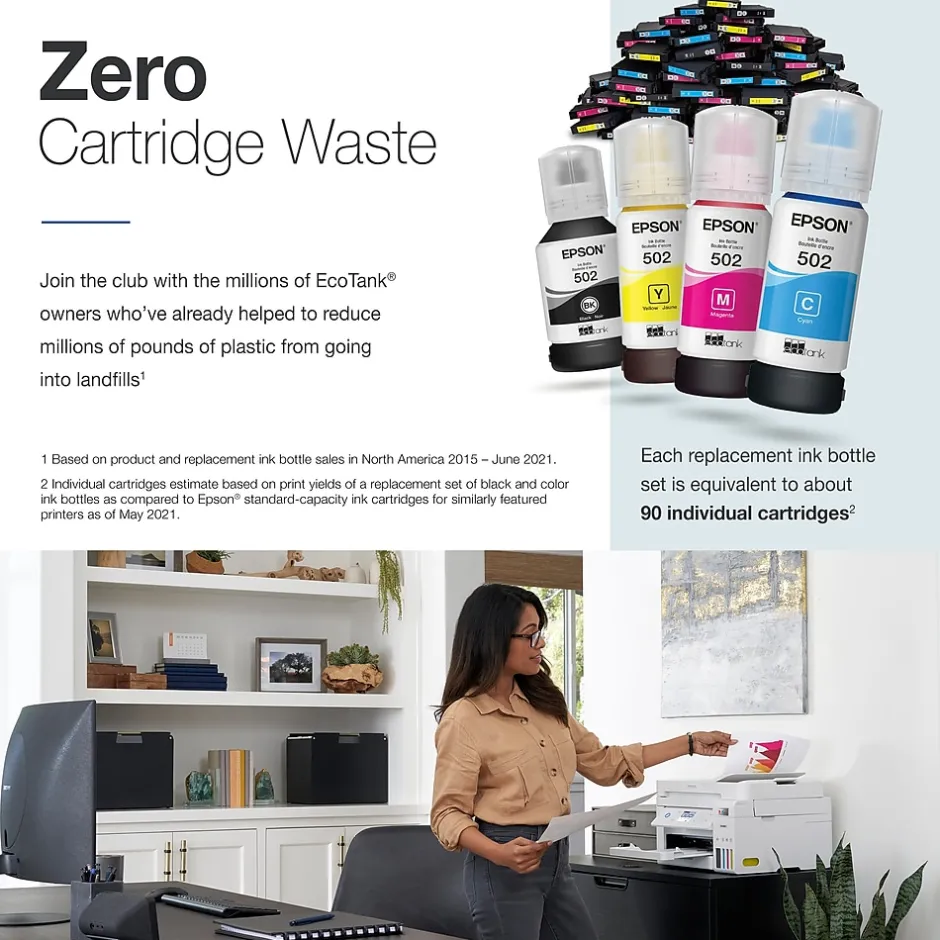
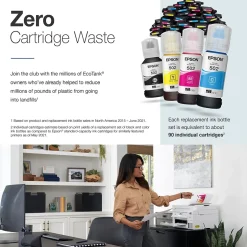
- Innovative Cartridge-Free Printing ― No more tiny, expensive ink cartridges; each ink bottle set is equivalent to about 80 individual cartridges
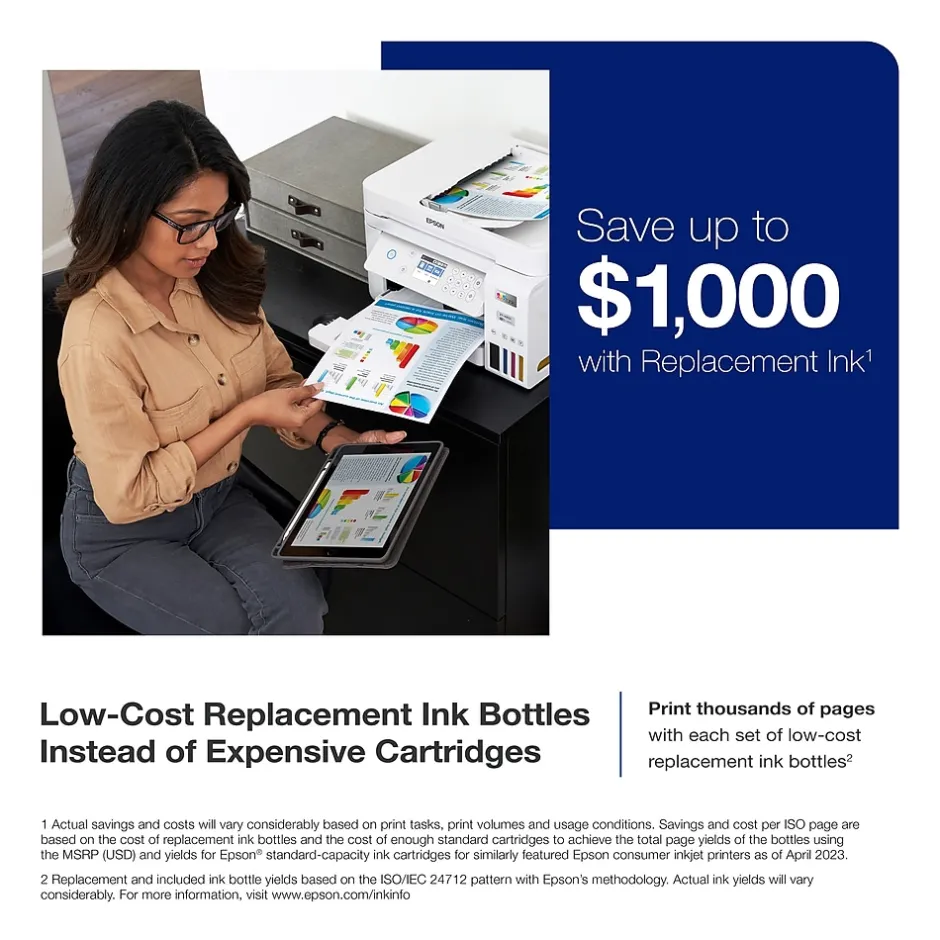
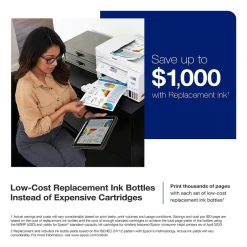
- Dramatic Savings on Replacement Ink ― Save up to 90% with replacement ink bottles vs. ink cartridges – that’s enough to print up to 7,500 pages black/6,000 color
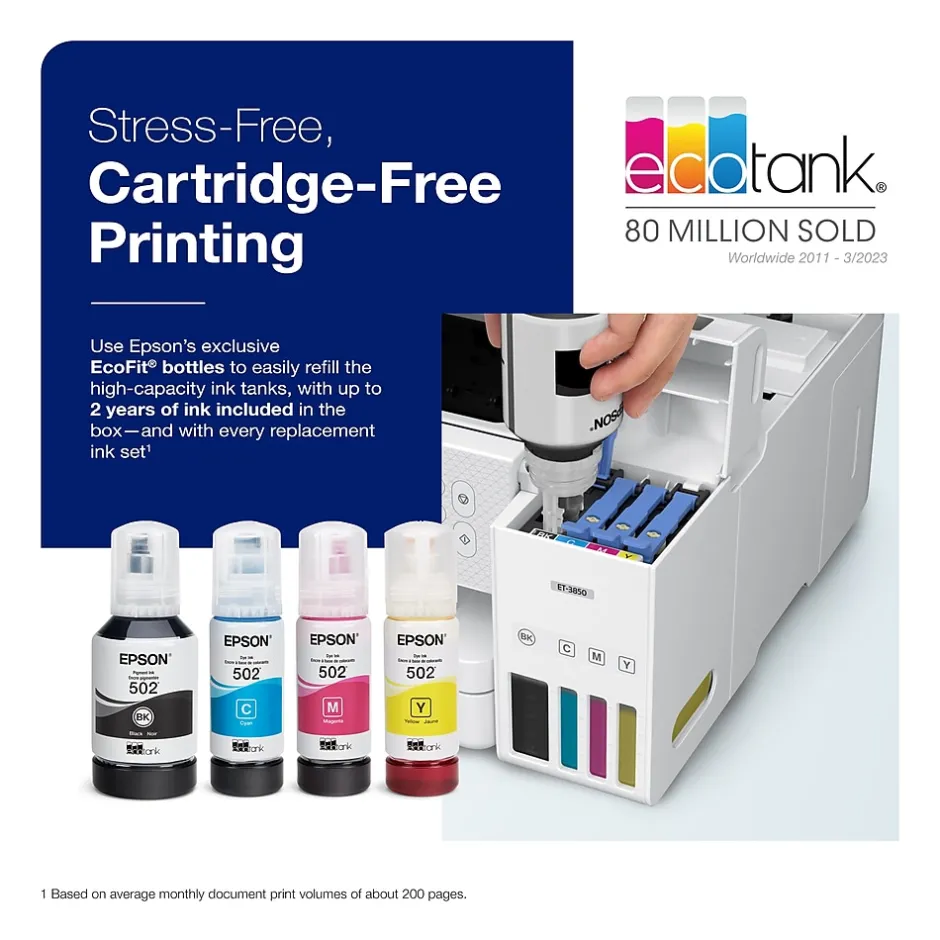
- Stress-Free Printing — Up to 2 years of ink in the box – and with every replacement ink set – for fewer out of ink frustrations
- High-Capacity Ink Tanks – Epson’s exclusive EcoFit ink bottles make filling easy and worry-free
- Zero Cartridge Waste – By using an EcoTank printer, you can help reduce the amount of cartridge waste ending up in landfills
- Impressive Print Quality ― Unique PrecisionCore Heat-Free technology and pigment black ink produce extremely sharp text – plus impressive color photos and graphics – on virtually any paper type
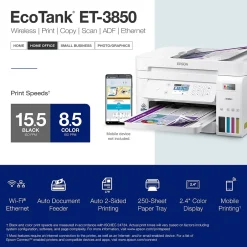
- Robust Paper Handling ― Auto Document Feeder, paper-saving auto 2-sided printing and a 250-sheet paper tray for high productivity
- Built-In Scanner & Copier ― High-resolution flatbed scanner and a 2.4″ color display for easy document copying and navigation
- Modern Connectivity ― Features Ethernet and wireless, plus hands-free voice-activated printing. Easily print from your smart device with the intuitive Epson Smart Panel app
- Use Genuine Epson Ink ― For optimal print quality and performance. Non-genuine ink could cause damage not covered by the printer’s limited warranty
| Attribute name | Attribute value |
|---|---|
| *key specs | |
| Touch Screen Display Items of a particular grouping, as merchandised and labeled by a manufacturer | EcoTank |
| Types of Display Printer Type specifies the printing technology. Inkjet printers use ink cartridges which output droplets of ink onto paper through the printhead nozzles. Laser printers use a laser beam to create an image onto a drum, which then transfers the image onto paper through powder toner cartridges. Dot Matrix printers use printheads made of pins which press ink-soaked ribbon onto paper to create images. Zero Ink printers utilize heat technology, not requiring an ink cartridge, toner or ribbon. | Inkjet |
| Printer Use Refers to the primary function(s) of the printer: Instant Photo (specific to portable photo printers), Print only (also known as single function), Print, Scan, Copy (also known as all-in-one), or any combination of Print, Scan, Copy, and Fax. | Print, Scan, Copy |
| Printer Condition | 2.4 |
| Supertank Refers to the primary capabilities of the printer in an abbreviated form. Can be either all-in-one (Print, Scan, Copy) with fax potentially included, or single function (Print Only). | All-In-One |
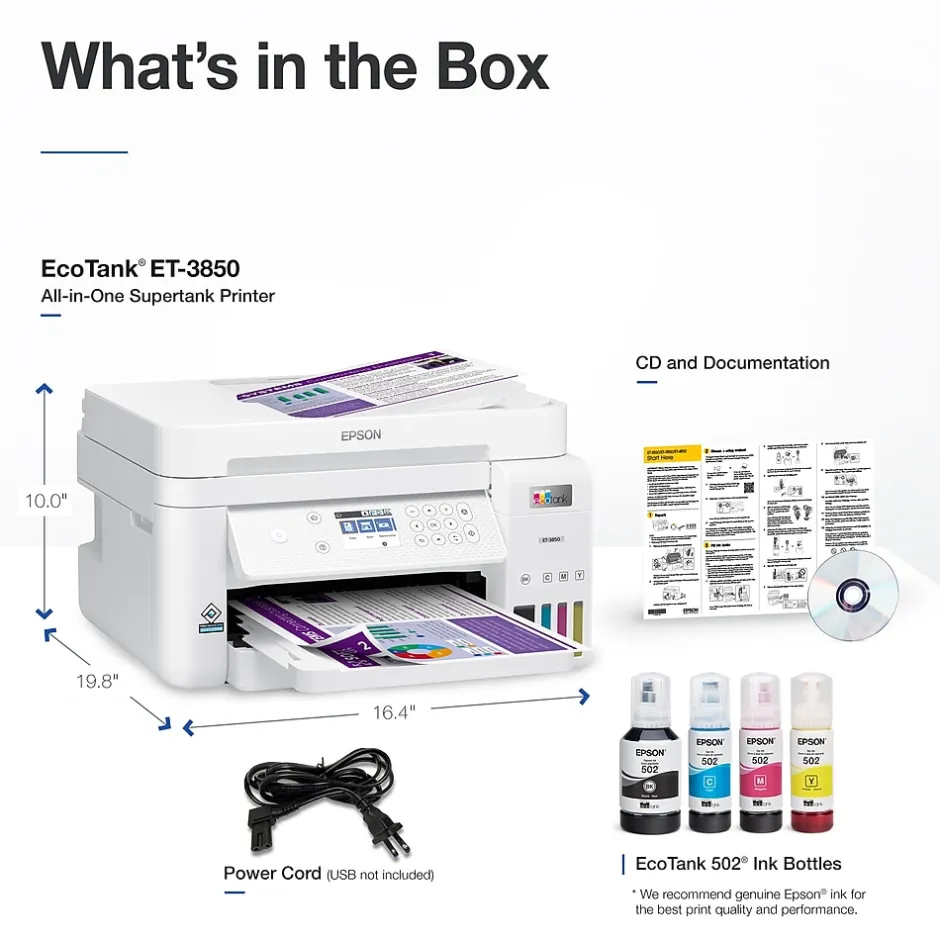
| Family Model # | EcoTank ET-3850 all-in-one printer, manual, CD-ROM for product setup, power cord, 1 bottle of 502 Black, 1 bottle each of 502 Cyan, Magenta, Yellow |
| connectivity | |
| Wireless Ready | Apple AirPrint, Android Printing, Fire OS Printing, Mopria Print Service |
| Printer Connectivity Mobile Device Printing allows a user to send files to the printer from their device (such as a phone or tablet) through a local wireless connection. | Mobile Device Printing Eligible |
| Network Ready Indicates how large an image can be inflated via the printer. | 400 |
| Copy Reduction % (Up to) Refers to the maximum amount of copies that a device can create. | 99 |
| Black & White Copy Speed (cpm) Copy Speed, expressed as copies per minute (cpm), represents the average number of copies a printer can produce every 60 seconds to the output tray. | 5 |
| Scanner Resolution The overall height of the product, measured top to bottom. | 9.1 |
| Width in Inches Weight of the product measured in pounds. | 14.8 |
| Depth in Inches Absolute maximum number (or range) of pages the machine can print in any given month. | 5,000 pages |
| Output Type | 1 |
| Maximum Number of Paper Trays Indicates the number of sheets of paper the printer can hold in the printer input tray. | 250 |
| Auto Feeder Capacity (Sheets) | 3.5″ x 5″, 4″ x 6″, 5″ x 7″, 8″ x 10″, 8.5″ x 11″, 8.5″ x 14″ |
| Printer Max Paper Size An automatic document feeder (ADF) is a mechanism that feeds multiple sheets of paper into a device in a single operation. | Yes |
| power | |
| Power Consumption (Watts) Expressed as images per minute (IPM), refers to the print speed of the printer when producing color images based on standards from the International Organization for Standardization (ISO). | 8.5 |
| Color Print Speed Indicates whether machine supports printing on media with widths between 18 and 100 inches. | No |
| Noise Level (decibels) Max print resolution, measured in dots per inch (dpi), refers to the maximum amount of detail in a printed image. The higher the resolution, the higher the quality and sharpness of the image. | 4800 DPI |
| Photo Capable Double sided printing (also known as duplexing) is a feature that allows printers to print on both sides of the paper. Can either be manual, meaning the user will need to refeed the page in order to print on the other side, or automatic, where the printer will do the work for you. | Automatic |
| Borderless Printing Expressed as images per minute (IPM), refers to the print speed of the printer when producing black and white images based on standards from the International Organization for Standardization (ISO). | 15.5 |
| Recommended Monthly Print Volume Print Speed, measured in pages per minute (PPM), specifies the amount of black and white pages that the printer can produce within 60 seconds. | 11 to 20 PPM |
| warranty | |
| Printer Warranty The range of temperatures, typically given in degrees Celsius or Fahrenheit, within which the product can operate effectively without performance degradation. | 50 degrees to 95 degrees Fahrenheit |
| Operating Humidity Range Recommended number of users that can be using the device. | 6-10 Users |
| True Color Listing of software programs or hardware devices required to operate the printer properly. | Windows, macOS |
| Printer Language Portable printers allow a user to print on-the-go. This means the printer can operate without being plugged in, using an internal battery. | Standard |
Be the first to review “Instant Photo Printers<Epson EcoTank ET-3850 Wireless Color All-in-One Cartridge-Free Supertank Printer, White (Refurbished)”
Related products
Printers
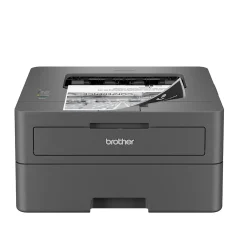
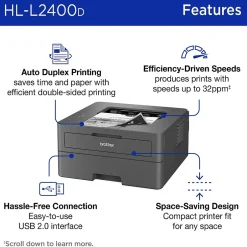
Printers For Home Offices<Brother HL-L2400D Compact Laser Printer, Single-Function, Print (9092806)


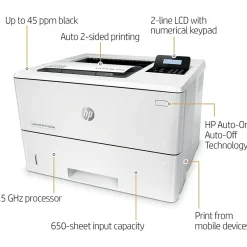
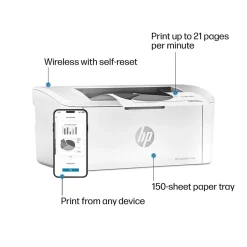
Printers
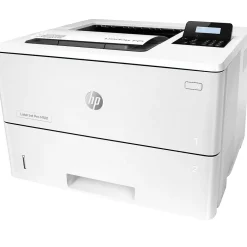
Wireless Printers<HP LaserJet M110w Wireless Black & White Printer, Best for Home Office (7MD66F)
All-In-One Printers


All-In-One Printers
All-In-One Printers
All-In-One Printers
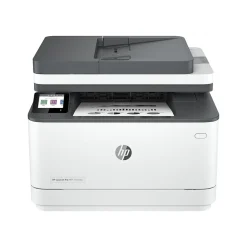
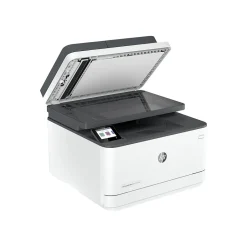
All-In-One Printers<HP LaserJet Pro MFP 3101fdw All-in-One Printer 3G628F#BGJ
All-In-One Printers
All-In-One Printers<Epson WorkForce EC-C7000 All-in-One Printer C11CH67202
Printer Maintenance Kits
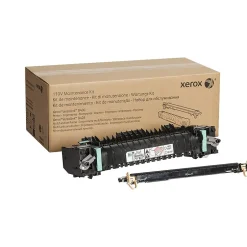
Printer Maintenance Kits<Xerox Genuine VersaLink B400/B405 Fuser Maintenance Kit, 110V (115R00119)
All-In-One Printers
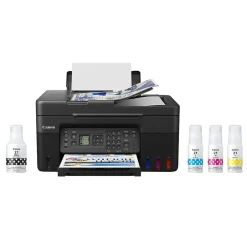
All-In-One Printers<Canon MegaTank PIXMA G4270 Wireless Color All-in-One Inkjet Printer (5807C002)
Reviews
There are no reviews yet.